Rummy Network and Battery Checks Before a Long Session
An unstable connection or a nearly empty battery can affect an online rummy turn at the worst moment. These problems are simple to reduce if you check your device before joining a table. The aim is reliability, not a complicated technical setup.
Begin with the network you actually plan to use. Open a few ordinary pages or run the app’s own connection test if available. A strong signal does not guarantee a stable connection, so notice whether pages pause or reconnect. If Wi-Fi is unreliable, decide in advance whether a trusted mobile connection is an acceptable backup. Avoid public networks when account security is a concern.
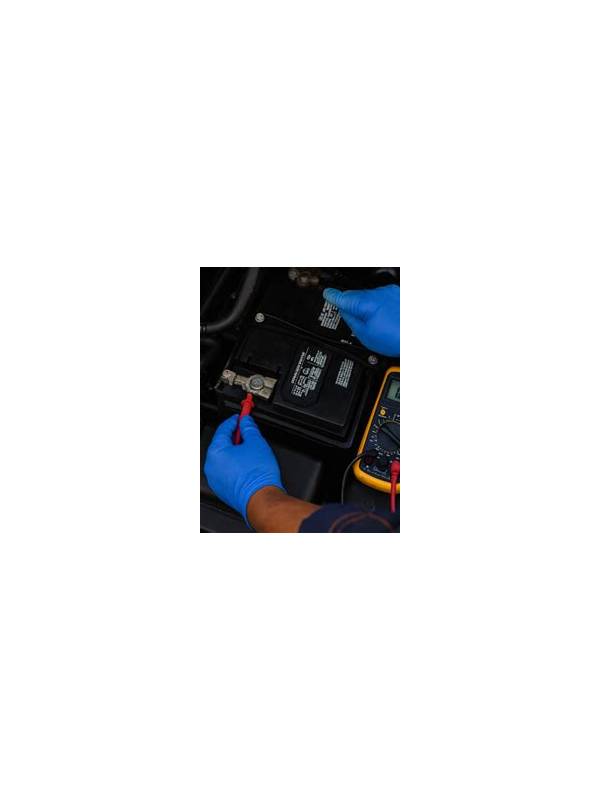
Check the battery and charging arrangement. A charger within reach is useful, but a damaged cable, loose socket, or overheated power bank can create a bigger problem. Keep the device ventilated and close unnecessary apps that drain power or compete for memory. Do not cover a phone while it is charging during a long session.
Update the app and operating system at a convenient time rather than immediately before a table. Updates can improve stability, but an unexpected restart during a game is disruptive. Confirm that notifications, calls, and alarms will not cover important controls. Use a quiet setting when appropriate, while retaining alerts needed for security or account activity.
Know the recovery process. Read what the service says about reconnecting, missed turns, and disputed results. If a connection drops, avoid repeatedly tapping buttons or opening unverified support links. Reconnect through the official app, then save any relevant error message or time for support.
Technical preparation cannot prevent every outage. It can, however, remove preventable causes and make a genuine incident easier to document. If the network becomes unstable or the device heats up, leave the table when the rules allow and take a break. A reliable session begins with a charged, updated device, a trusted connection, and a clear understanding of what happens when technology fails. n+Keep important support information available through the official app or website, but do not follow urgent-looking messages from unknown senders. Scammers may use an outage as an excuse to request a password, payment, or verification code. Legitimate support should not need your secret credentials. If a device loses power or connectivity repeatedly, end the session and troubleshoot later. Protecting the account and your records is more important than forcing one interrupted hand to continue. n+Before a paid session, also close downloads and background video that may consume bandwidth. These small checks improve consistency without requiring technical expertise.
Related Post

Rummy Tips: Read the Discard Pile Without Overreacting
A calm method for using visible discards as information without revealing or forcing your plan. [...]
Rummy Tips: Compare Cards by Replacement Difficulty
Replacement difficulty helps identify which card is costly to lose when several discard candidates appear [...]