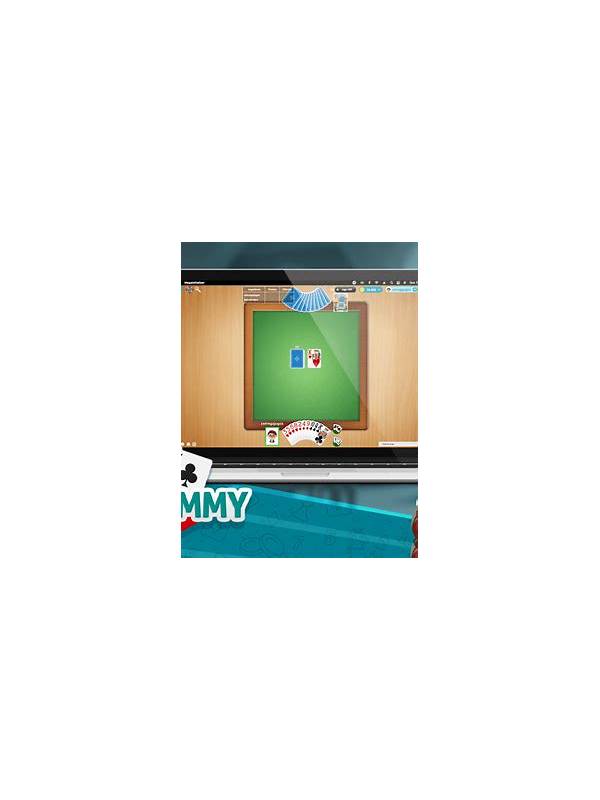
Rummy Comparison: Manual Sorting Versus Automatic Sorting

The best layout is the one that makes the next legal decision easier to see, not the one that looks most polished.
Automatic sorting is quick and convenient, while manual sorting can reveal relationships that a fixed layout hides. Neither method is always superior. The useful comparison is which one helps with the decision you need to make at that moment and whether the display accurately reflects the variant’s rules.
Automatic sorting is helpful at the start of a round or after a messy sequence of draws. It can group cards by suit or rank and reduce visual clutter. This is especially useful on a small screen. However, an automatic arrangement may encourage you to treat proximity as proof of a plan. A neat row can still contain an impossible or overly narrow route.
Manual sorting is valuable when you want to compare competing arrangements. Move cards into possible sequences, sets, and loose-card areas, then check whether the groups are legal. This makes trade-offs visible, but it takes time and can create accidental rearrangements if the interface is unfamiliar. Practice the controls before joining a time-sensitive table.
A two-stage routine combines both strengths. First use the platform’s sort to reset the layout. Then manually mark one or two important relationships: a natural sequence, a flexible connector, or a card with a high replacement cost. Do not rearrange the entire hand for every draw. Move only the cards affected by the new information.
Check the display after sorting. Confirm that no card is hidden, duplicated visually, or placed in a way that confuses a joker with a natural card. If the app behaves unexpectedly after an update, leave a paid or competitive table and test in a safe practice setting. Interface convenience should never override rule verification.
The best habit is to use sorting as an aid, not a decision. Let the layout present possibilities, then judge them by legality, support, timing, and exit options. A clear screen can improve thought, but it cannot replace a clear plan.
If you switch sorting modes during a round, pause long enough to confirm that the cards have not changed position in a way that affects your selection. On a small display, a tap intended to move one card may select another. Use a practice table to learn the interface, and avoid experimenting with unfamiliar gestures when a decision is time-sensitive. Good sorting should reduce cognitive load; if it creates uncertainty, return to the simplest stable layout and verify the hand manually.
Related Post

Rummy FAQ: When Is a Pair More Useful Than a Sequence Idea?
A pair can be valuable, but its role should be compared with the completion speed [...]
Rummy Table Orientation: Learn the Interface Before Your First Turn
A short orientation routine helps players understand a rummy table before making a pressured decision. [...]