Rummy Safety: Check Permissions Before Installing a Game App
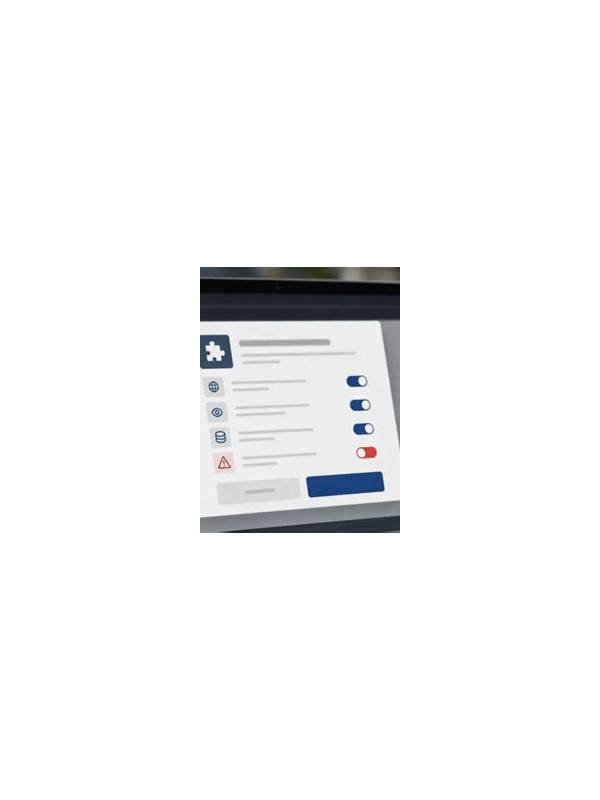
Before installing any rummy app, check where it came from and what access it requests. A game should not need unexplained access to sensitive information simply because it displays cards. Installation safety is part of responsible play, especially when an app is distributed outside a familiar app store.
Start with the source. Prefer an official store or a publisher page whose address you can verify independently. Be cautious with links forwarded through unsolicited messages, shortened addresses, or pages that imitate a known brand. Check the developer name, update history, support information, and user feedback, while remembering that reviews can be manipulated.
Read the permissions before accepting them. Camera, microphone, contacts, precise location, and access to files deserve a clear explanation. Some permissions may be needed for an optional feature, but optional features should not be a reason to grant broad access automatically. Deny unnecessary requests where the operating system allows it, and review permissions again after an update.
Inspect the device as well. Keep the operating system and security tools current, use a screen lock, and avoid installing unknown packages on a device that stores banking or work information. If you must test an unfamiliar app, consider a separate device or user profile. Never bypass a security warning simply because the download is urgent.
Account and payment safety continue after installation. Use a unique password, enable available sign-in protection, and confirm that any payment page belongs to the expected service. Do not save payment details on a shared device unless you understand who can access them. A game’s customer-support representative should not ask for your full password or a one-time verification code.
If the app behaves strangely, displays aggressive pop-ups, drains the battery, or asks for new permissions without a clear reason, stop and investigate. Uninstalling may not remove every concern, so review browser downloads, account sessions, and device security alerts. Change relevant passwords from a trusted device if you entered them into a suspicious screen.
A two-minute permission review can prevent a much larger problem. Recheck permissions after updates and keep a clean exit plan: know how to sign out, remove stored payment details, and close the account. Keep the operating system current and do not bypass a security warning to start a game quickly. Treat installation as a separate decision from playing. If the source, publisher, or requested access cannot be explained plainly, wait until you have reliable information.
Related Post

Rummy Rules for Sharing a Physical Deck at Home
Agreeing on handling, scoring, and turn procedures makes a casual home rummy game smoother. [...]
Rummy FAQ: Can a Flexible Card Be Too Flexible?
A flexible card can help several plans, but its value falls when none of those [...]