Rummy How-To: Prepare a Clear Table View Before Playing
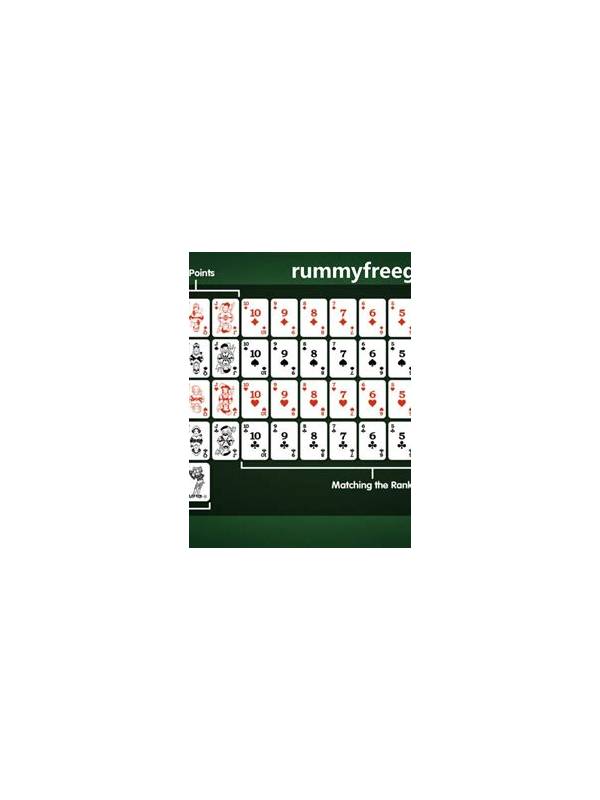
Visual clutter creates strategic and practical mistakes. Cards can be misread, a discard can be overlooked, and an important group can disappear among overlapping items. Preparing the table view before the hand starts helps you spend attention on decisions rather than on finding basic information.
Begin with the device. Clean the screen, use a comfortable brightness, and choose a stable connection. If the application offers card-size or layout controls, select a view that keeps rank and suit legible without forcing constant scrolling. Avoid playing while the display is cracked or notifications cover the lower part of the hand.
Sort your cards using one consistent system. Grouping by suit can make sequences easier to see, while grouping by rank can make sets more obvious. Some players use a temporary split between completed groups, active candidates, and unmatched cards. Whichever system you choose, leave enough space to distinguish neighboring cards and do not rearrange so often that you lose track of changes.
Check the public area separately. Make sure the discard pile, draw source, score, and turn indicator are all visible before you act. If the screen hides history behind a tap, learn where that control is during a practice round. Never rely on memory when the application can show the information clearly.
Accessibility settings can help. Larger text, stronger contrast, reduced animation, and screen-reader labels may make a meaningful difference. Take a short break if your eyes or posture become uncomfortable. A clear table view cannot fix every difficult decision, but it prevents avoidable confusion and supports a calmer, more accurate review of the hand.
Related Post
Rummy Break Points: Knowing When a Plan Has Stopped Working
Set practical break points for narrow rummy plans so patience does not become stubbornness. [...]
Rummy How-To: End a Review Without Self-Blame
Finish a review with one useful lesson instead of turning analysis into personal criticism. [...]