Rummy Safety: Keep Account Recovery Details Private
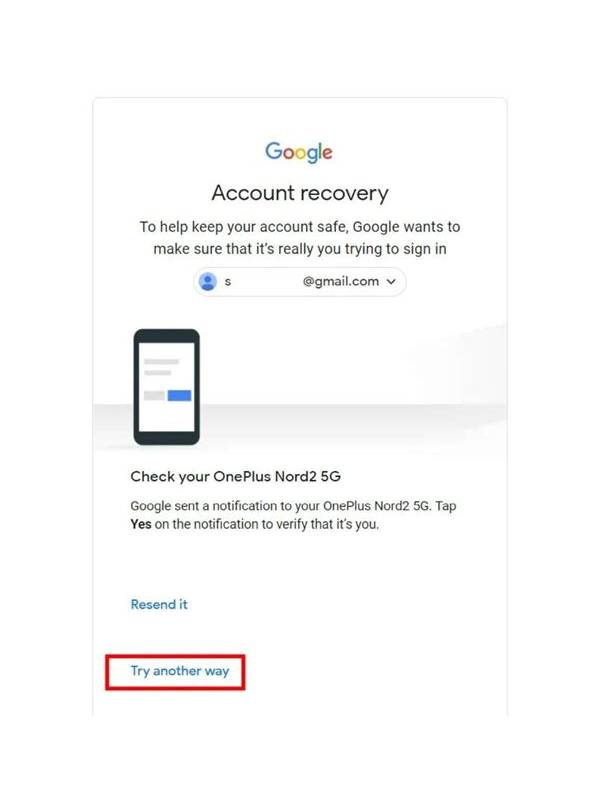
Account recovery details are valuable because they can unlock more than a rummy profile. Email addresses, recovery questions, backup codes, and one-time passwords should be treated as private security information. Do not post them in chats, screenshots, support comments, or public groups.
Use a unique password for the game account, especially if the service involves payments or identity information. A password manager can create and store a strong password without requiring you to memorize many variations. Never reuse the password from your email, banking, or primary social account.
Enable multi-factor protection when the official service supports it. Read the setup instructions carefully and store backup codes in a secure location separate from the device used for ordinary play. No legitimate support representative should ask you to disclose a current one-time code or full recovery secret.
Be cautious with recovery links. Open the application or official website yourself instead of clicking an unexpected message. Check the account activity and device list after a suspicious sign-in alert. If you think the account is compromised, change the password from a trusted device, revoke unknown sessions, and contact official support.
Keep recovery information current, but limit what the service can access. Remove old phone numbers or email addresses you no longer control. The same privacy habits apply to free and paid accounts. Protecting recovery details helps keep a casual game account from becoming a shortcut into more important parts of your digital life.
Also watch for impersonation. A message may use a familiar logo, name, or language while directing you to an unrelated address. Support should not require remote control of your device or ask you to install an unverified application. If you need help, navigate from the service’s known home page and use the contact option there. Keep screenshots free of account numbers and notification previews before sharing them for technical assistance. Privacy is easier to maintain when you remove unnecessary details at the moment you capture evidence.
Also watch for impersonation. A message may use a familiar logo, name, or language while directing you to an unrelated address. Support should not require remote control of your device or ask you to install an unverified application. If you need help, navigate from the service’s known home page and use the contact option there. Keep screenshots free of account numbers and notification previews before sharing them for technical assistance. Privacy is easier to maintain when you remove unnecessary details at the moment you capture evidence.
Related Post
Rummy FAQ: Can a Pair Be More Useful Than a Lone Connector?
Compare a small pair with a single connecting card by looking at realistic routes, timing, [...]
Rummy Comparison: Focused Drills or Extended Practice
Compare short focused sessions with longer practice blocks by considering attention, review quality, and fatigue. [...]