Rummy Safety: A Pre-Login Device Check for Shared Networks
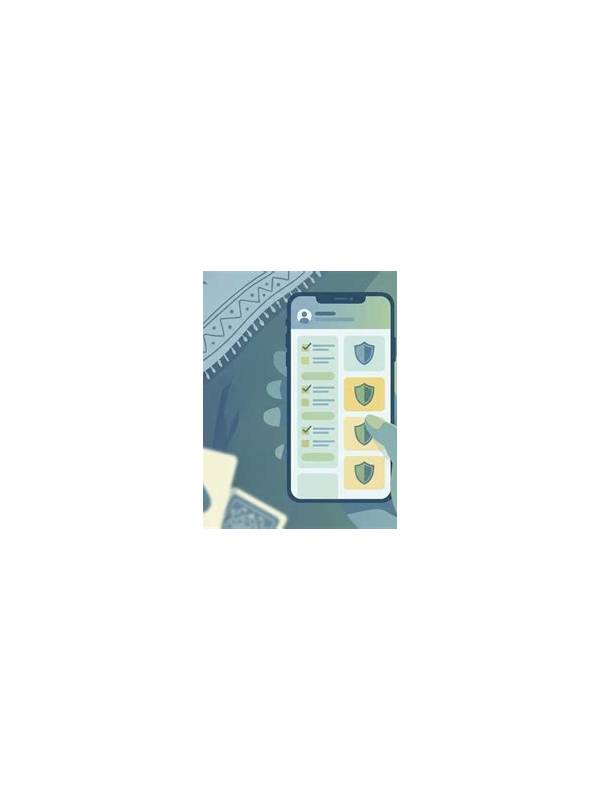
Playing on a shared or public network calls for a little extra preparation. The aim is not to make a routine session complicated; it is to confirm that the device, connection, and sign-in path are trustworthy before you open an account.
Begin with the connection. Prefer a private, familiar network over an unknown hotspot. If you must use public Wi-Fi, avoid entering sensitive information until you have confirmed that the service address is correct and the connection behaves normally. A poor connection can also cause repeated sign-ins, so do not assume every login prompt is genuine.
Inspect the application source. Use the official store or the operator’s verified distribution channel where available. Check the publisher name, recent update information, requested permissions, and user reports. A game does not need access to unrelated contacts, messages, or accessibility controls simply to display cards. If an installation asks for surprising permissions, pause and investigate rather than granting them automatically.
Update the device and the application before play. Security patches matter because they close known weaknesses, while app updates may correct connection and authentication errors. Remove old copies of installers from the downloads folder if you no longer need them, and never install a replacement offered through an unsolicited message.
Before signing in, check that screen sharing, remote support, and recording tools are not active unless you deliberately enabled them. On a shared device, use the operating system’s separate profile when possible. Turn off password autofill for accounts that other people can access, and lock the screen whenever you step away.
During the session, treat unexpected requests as warning signs. A real support process should not require you to reveal a password, one-time code, or private recovery phrase in a chat. If an alert asks for urgent payment or remote access, close it and contact support through the service’s known channel.
End by signing out when the device is not yours. Clear temporary access only when the operating system offers a safe, ordinary option; do not use unfamiliar “cleaner” utilities. This checklist takes a few minutes, but it separates game decisions from preventable account and device risks. If the device belongs to someone else, ask for permission to use it and avoid saving credentials in the browser. When you finish, close the session and return the device to its ordinary state. These steps protect other users as well as you, and they make it easier to identify which account was active if a problem later appears.
Related Post
Rummy Comparison: Visible Gains Versus Flexible Gains
Compare a move’s visible gain with the options it preserves for later turns. [...]
Rummy Safety Check: Recognizing a Suspicious Download Prompt
A cautious checklist for handling unexpected app files, redirects, and requests for sensitive permissions. [...]