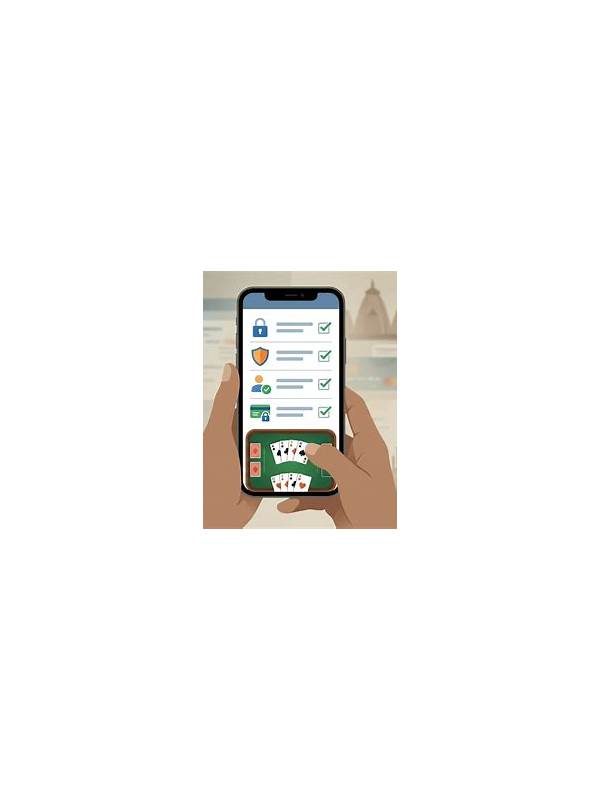
Rummy FAQ: What If You Pick Up a Discard by Mistake?

An accidental tap or click can happen on a crowded mobile screen. What follows depends on the specific game, whether the action was confirmed, and whether the turn has advanced. There is no universal undo rule, so the first step is to observe the table state rather than immediately making another move.
Check whether the card is visibly in your hand and whether the interface shows a confirmation, undo, or cancel option. If an official undo control is present, use only that control and read its wording carefully. Avoid tapping repeatedly, because additional actions may confirm the original choice or advance the turn.
If the pickup has been committed, continue according to the published table rules. Do not discard another card in an attempt to “repair” the mistake without understanding the consequences. The replacement card may have changed your legal options, and a second hurried action can create a larger problem.
For a technical issue, record neutral facts after the turn: the approximate time, the device type, the screen state, and the action you intended. Do not share passwords, one-time codes, or payment details in a support ticket. Use the platform’s official help channel and attach only the information it requests.
Before your next session, reduce the chance of repetition. Increase text size if the app supports it, keep the device clean and dry, and pause your finger above the target before tapping. On a small screen, arrange your hand so the intended discard is separated from nearby controls when possible.
The key distinction is between an unconfirmed touch and a completed game action. If the interface does not clearly show which state applies, stop adding actions and consult the rules or official support. A calm record is more useful than an improvised correction, and it keeps a single interface error from becoming a series of avoidable decisions. If the table has a dispute process, follow it while the relevant information is still available. Note the table identifier only if the official support channel requests it, and keep any screenshots free of private messages or financial details. Do not accuse another player of causing the problem based on an accidental tap. Clear descriptions help support distinguish interface behavior from a normal rules outcome. Some tables treat a pickup as final as soon as the card leaves the pile; others may show a confirmation step. That difference is why advice from another app may be unreliable. Read the current interface and rules for the table you are using.
Related Post

Rummy Guide: Measure the Cost of Holding a High Card
A high card should be judged by its realistic connections and exposure, not by point [...]
Rummy FAQ: What Is a Useful Fallback Route?
A useful fallback route keeps several realistic improvements available when the preferred plan does not [...]