Rummy Safety Guide: Check an App Before Granting Access
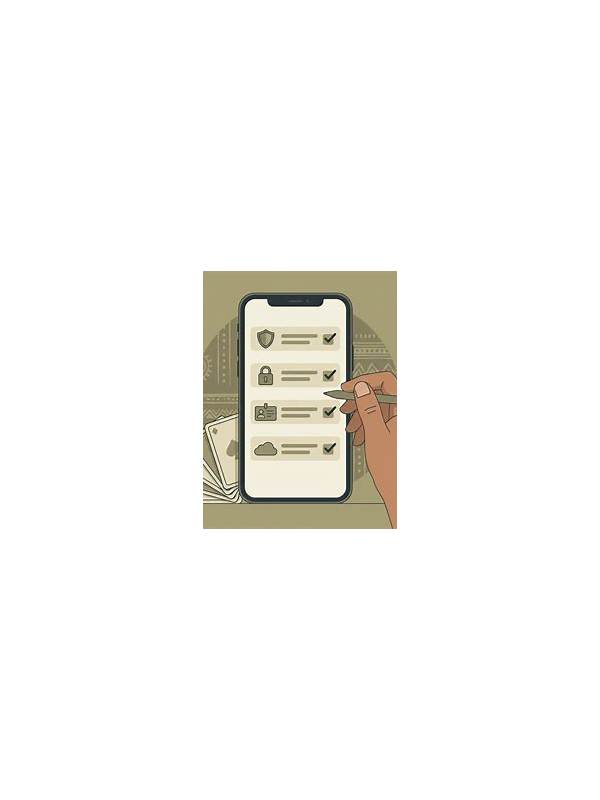
An app may request access to features that are unrelated to playing cards. Before granting permission, identify what the app is asking for and whether the request matches a clear function. A game may need network access, but access to contacts, messages, or a microphone deserves a specific explanation.
Review permissions during installation and in your device settings afterward. Read the labels carefully: location access, storage access, notifications, camera, microphone, and contacts each have different implications. Choose the narrowest option available, such as “while using” or selected photos, when the device offers it.
A permission request is not proof that an app is unsafe, but an unexplained request is a reason to pause. Look for a privacy policy and support contact reached through a trusted source. Check whether the app’s developer name, package identity, and update history are consistent. Avoid assuming that a familiar logo proves the download is authentic.
If the app refuses to function without unnecessary access, consider leaving it uninstalled. Do not bypass device warnings simply because a promotion or message says access is urgent. A free game is not worth exposing your address book or private files without a clear need.
After installation, audit permissions periodically. Updates can add new requests, and your use of the app may change. Remove access that is no longer required, turn off notifications that encourage impulsive play, and uninstall software you no longer trust. Keep the operating system and security tools current as well.
The safest decision is informed and reversible: understand the request, grant only what is necessary, and review it later. If you suspect misuse, revoke access, preserve relevant details for support, and change credentials through the official account channel if needed. Be careful with claims made by unofficial installers or support accounts. A request for broad permissions, a password, or a payment to unlock access is a warning sign. Use the app store or developer site reached independently, and compare requested access with the app’s stated purpose. When the explanation remains unclear, keeping permission disabled is reasonable. Never install a modified package solely because it promises faster access or special rewards. Verify the source independently and prefer a normal update path. If the package behaves unexpectedly, remove it and review account security from a trusted device. Permission review is especially important on a shared or recently repaired device. Check which account is active, keep system protections enabled, and avoid installing files received through unsolicited messages. Small pauses at installation time are easier than recovering from exposure later.
Related Post
Rummy How-To: Count Unseen Suits Without Overcounting
Use a compact suit count to estimate possibilities while avoiding false precision. [...]
Rummy Safety: Check Device Permissions Before a Game App
A permission review is a practical step for protecting privacy when installing a gaming application. [...]