Rummy Safety: Check Permission Requests in a Game App
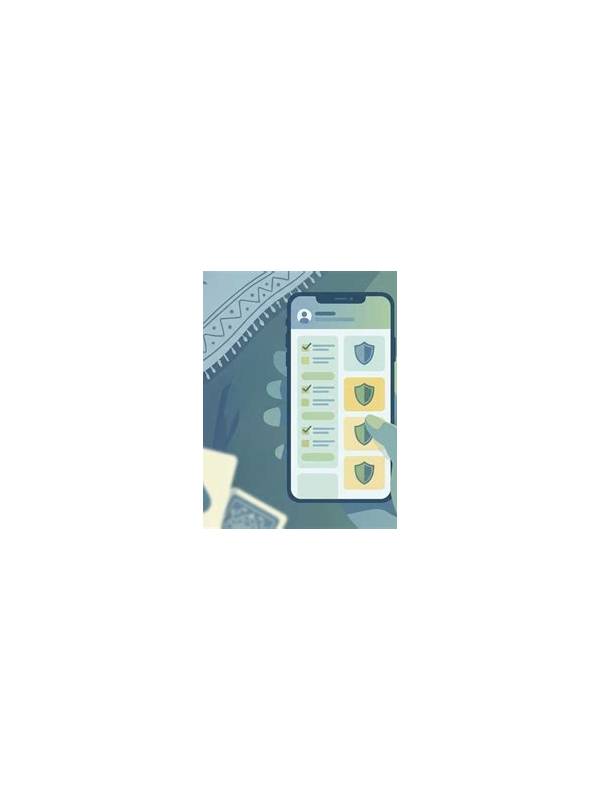
Game apps may request access to parts of a phone that are unrelated to playing cards. A permission prompt is not proof that an app is unsafe, but it is a useful moment to slow down. Checking what is requested, why it might be needed, and whether the choice can be changed later is a basic account-safety habit.
Start with the purpose of the permission. Notifications may support turn alerts, while network access is expected for an online table. Camera, microphone, contacts, precise location, or access to unrelated files deserves more scrutiny. Ask whether the feature you want actually depends on that permission. If the answer is unclear, postpone approval until you can read the app’s explanation and your device’s settings.
Use the least-broad option available. Many modern phones allow access only while an app is in use, or permit selected photos rather than an entire library. These limited choices reduce exposure while preserving a legitimate feature. Never treat a request for broad access as a requirement simply because a dialog appears during setup.
Review permissions after installation. Updates can add features or change defaults, and a permission granted quickly may be forgotten. Open the operating system’s app-permission panel and remove access that is no longer needed. Also check whether the app can send notifications or display over other apps if those settings are distracting or unexpected.
Avoid unofficial download links that use urgent language or promise special rewards. A file from an unknown source may imitate a familiar game while requesting unusually broad access. Verify the publisher, read the store listing carefully, and keep device security protections enabled. Never disable a security feature just to complete an installation.
Protect the account as well as the phone. Use a unique password where possible, enable available sign-in protection, and do not share one-time codes. If an app asks for credentials through an unexpected page, stop and confirm the address through a trusted channel.
Permission review takes less time than recovering a compromised account. You do not need to investigate every technical detail before playing casually. Simply connect each requested access type to a clear feature, choose the narrowest setting, and revisit the decision when the app changes. If a permission seems excessive, you can often deny it and test the app’s basic functions. A legitimate feature should explain what fails and why. Take screenshots of suspicious prompts for your own record, but do not upload private documents or identity details to an unverified support address. Small pauses at setup protect more than a rushed installation.
Related Post

Rummy How-To: Build a Fallback From the Highest-Risk Card
Start a rummy fallback plan with the card that would be most costly to keep [...]
Rummy FAQ: When Is a Draw Technically Useful but Strategically Weak?
A card can improve one group and still be a poor draw when it narrows [...]