Rummy Safety: Verify Support Messages Before Responding
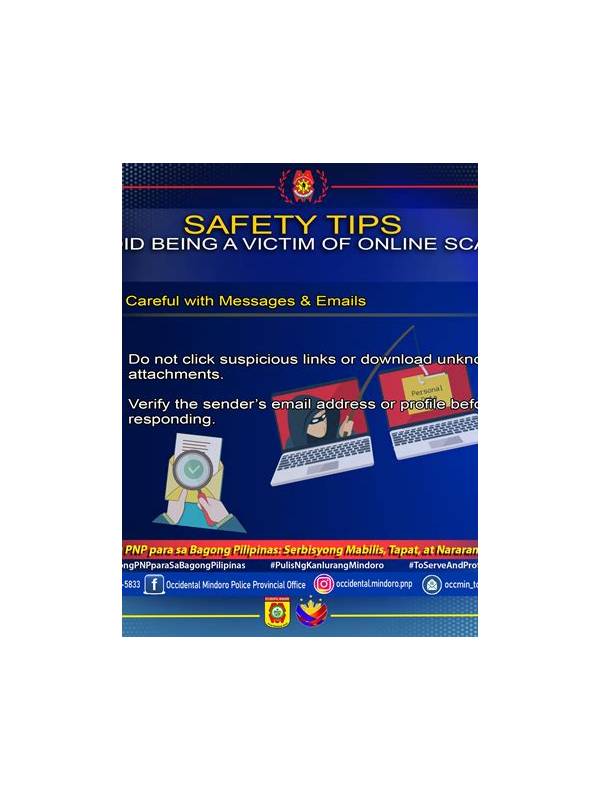
Players may receive messages that appear to come from a rummy app’s support team. Some may be legitimate service notifications, while others may imitate support in order to obtain account access or payment information. A calm verification routine is safer than responding immediately.
Start by checking where the message appeared. An in-app support center or account notification is different from an unsolicited message on social media, chat, or email. Do not assume that a familiar logo, name, or profile picture proves identity. Impersonators can copy public branding easily.
Look for urgency and secrecy. Requests to act within minutes, pay a release fee, share a one-time code, or move a conversation to a private channel deserve special caution. Legitimate support may request information needed to identify an issue, but never disclose passwords, authentication codes, or full payment credentials in response to an unexpected message.
Do not use links from a suspicious message to sign in. Instead, open the app or type the service’s known address through a trusted route, then find its support section independently. Compare the message with any official notice shown there. If you are unsure, contact support through the channel listed in the service’s own help materials.
Save only safe evidence. A message date, sender name, case reference, and a redacted screenshot can help an investigation. Remove private account details, payment numbers, codes, and other players’ information before storing or forwarding anything. Never paste sensitive text into an unverified chat just to ask whether it is genuine.
If you already clicked a link or entered information, stop communicating with the sender. Change the affected password through the official service, enable available account protections, and review recent activity. If a financial account may be involved, use the provider’s official fraud channel. Do not wait for the suspicious sender to explain what happened.
You can reduce future risk by turning on official security alerts, keeping the app updated from a trusted source, and learning how the service normally communicates. Keep notifications enabled for important account events, but treat every unexpected request as something to verify.
Support messages should help resolve a problem, not create pressure to surrender control. Independent verification, limited disclosure, and official contact routes provide a simple safety barrier without requiring technical expertise.
When in doubt, delay the response. A genuine support team can explain its official process through an independent channel, while a scam usually depends on speed and confusion. Your account remains safer when you control the route and the timing.
Related Post
Rummy How-To: Reset Your Hand View After a Draw
A short visual reset after every draw helps prevent yesterday’s plan from controlling today’s decision. [...]
Rummy Strategy: Measure a Card by Its Replacement Difficulty
Replacement difficulty adds a practical dimension to deciding which useful-looking card to keep. [...]