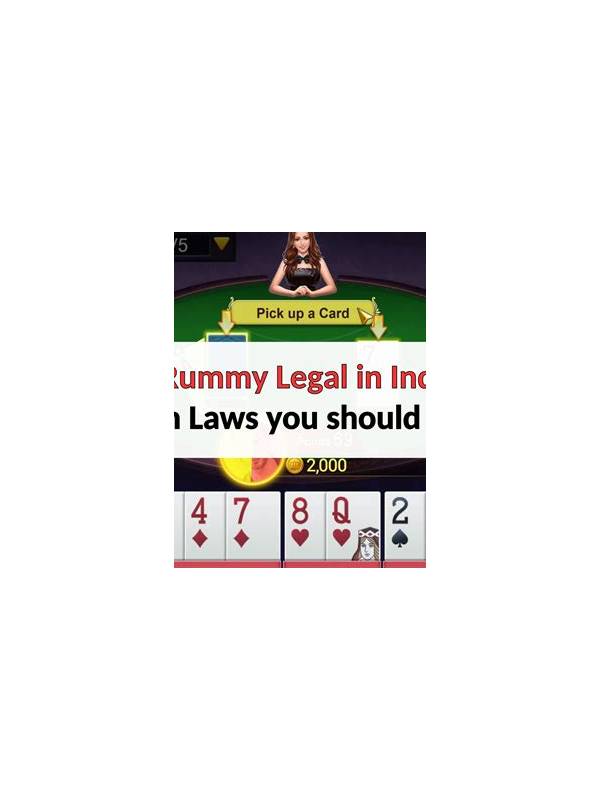
Rummy Safety: Check the Screen Before Entering Payment Details
Check whether the device is shared, whether notifications are visible, and whether the connection is trustworthy. If any answer is uncertain, wait and use a safer setting. Protecting information is part of responsible recreation, not an inconvenience to overcome.
Take that pause before every unfamiliar payment screen.
If you are uncertain, postpone the transaction. Gameplay can wait while you verify the page, read the conditions, and decide whether the activity fits your personal limits. A pause is a valid safety decision.
An unusual deadline, unexplained surcharge, or request to move support outside the app is a warning sign. Close the message and find help through a verified route. No bonus or withdrawal promise should require bypassing ordinary security checks.
Payment screens deserve a slower review than ordinary game screens. A familiar-looking button or urgent message can encourage a rushed tap, especially on a small phone. Before entering any financial information in a rummy app, pause and confirm what screen you are on, why the information is requested, and whether the terms are visible.
First check the app context. Make sure you opened the official application or a trusted account area rather than a link from an unsolicited message. Review the app name, the destination shown by the device, and any warning about an external page. Never share one-time codes, passwords, or full payment credentials with a person claiming to be support through chat.
Next read the transaction summary. Look for the amount, currency, fees, minimums, and any conditions attached to a deposit or withdrawal. If a field is unclear, stop and consult the app’s documented help channel. Do not guess based on an advertisement or another player’s description, because formats and conditions can change.
Use device basics as well. Keep the operating system and security protections current, avoid payment actions on an untrusted public network, and lock the screen when you step away. If the device is shared, sign out of account areas and prevent notifications from displaying sensitive details on the lock screen.
Finally, save a neutral record of the transaction time and the confirmation shown by the app, without storing unnecessary financial data in an open note. If the screen behaves unexpectedly, take a screenshot only if it contains no sensitive information, close the page, and contact support through a verified route. A calm pause costs little and gives you time to identify an error before it becomes difficult to reverse.
Related Post

Rummy Guide: Set an Expiry Point for a Developing Route
An expiry point keeps a promising rummy route from consuming the whole hand when improvement [...]
Yono Rummy Bonuses: What to Check in the Terms
Learn how to evaluate bonus headlines, eligibility rules, wagering conditions, and withdrawal limits on rummy [...]