Rummy Safety: Verify an App Update From the Official Source
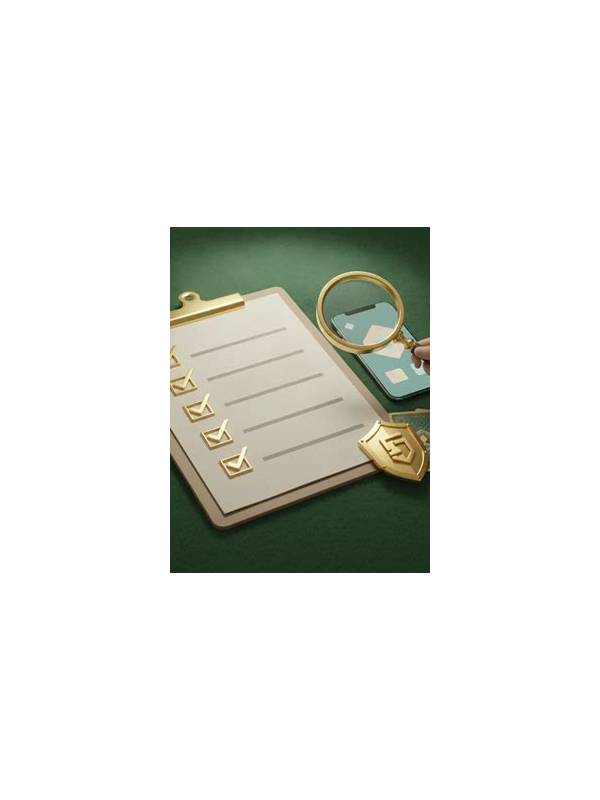
An update prompt can look urgent, especially when it appears just before a game. That urgency is not proof that the prompt is genuine. A safer routine is to pause and verify the update through the app’s official distribution channel or clearly documented support page before installing anything.
First inspect the source of the prompt. A notice inside an established app may still direct you to an unrelated download page. Be cautious when a message asks you to install an unfamiliar package, disable device protections, or share a one-time code. Close the prompt if necessary and open the official store or the app’s normal update screen independently rather than following a convenient link.
Compare the application name, publisher, icon, and recent version details. A similar name or copied logo is not enough. Read the change description and check whether the update is consistent with the app you use. If the publisher information is missing or the version appears far ahead of the official listing, stop and seek support through a known channel.
Review requested permissions after the update. A game may need network access and notifications, but a sudden request for unrelated access deserves a second look. Permissions can vary by device, so avoid making a technical judgment from one item alone. Instead ask whether the request is necessary for a feature you chose and whether you can deny it without losing basic functionality.
Protect your account during the process. Do not enter passwords, payment details, or verification codes into a page opened from an unsolicited message. Use your normal sign-in route, confirm the web address carefully, and keep your device lock enabled. If the app behaves strangely after an update, stop using payment features, capture non-sensitive error details, and contact official support.
This routine takes a few minutes but reduces pressure-based decisions. An update can wait when its source is unclear. Treat unexpected urgency, unusual permissions, and requests for secrets as separate warning signs. Together they justify closing the prompt and verifying the release from a trusted starting point.
If you are unsure whether an update is legitimate, wait and use the support route listed in established documentation. Do not search for a random contact number from the prompt itself. Trustworthy support should not require you to bypass device warnings or reveal authentication secrets. Verification is a normal part of maintaining an account, not an obstacle to be hurried past.
Related Post

Rummy FAQ: What Should You Do With a Repeated Dead Draw?
Repeated unhelpful draws are a signal to reassess the plan, not proof that the next [...]
Rummy Comparison: Manual Notes Versus Mental Markers
Compare written and mental tracking methods for improving rummy decisions without adding clutter. [...]