Rummy Tips: Reduce Screen Distractions During a Hand
Online rummy competes with messages, alerts, music, and open applications. Reducing distractions is a performance choice and a safety choice. When attention is split, players may miss a turn, misread a discard, or make a financial decision without checking its details.
Prepare the screen before joining. Close unrelated tabs, silence nonessential notifications, and choose a comfortable brightness. Keep the device stable and make sure the relevant buttons are easy to distinguish. Accessibility settings that improve text size or contrast can help if the interface is difficult to read.
Protect privacy as well. Avoid playing where another person can see account balances, messages, or one-time codes. On a shared device, use a separate profile when available and sign out afterward. Do not disable basic security features merely to make a session more convenient.
During the hand, use one consistent visual routine. Look at your hand, the active draw area, and the discard pile in the same order. If a notification interrupts you, pause rather than clicking to catch up. Check the table state before confirming a move, especially when the timer is visible.
If distractions persist, end the session. Missing information is a valid reason to stop, not a challenge to play faster. Use free practice to test interface settings and reserve paid play for times when you can give it full attention. Keep spending limits, follow platform rules, and protect rest, work, and personal responsibilities first.
Consider sound as part of the distraction plan. Use a volume level that makes turn alerts noticeable without forcing you to check the screen constantly. If using headphones, remain aware of your surroundings and do not let them hide an important device alert. Put the phone on a stable surface rather than holding it while walking or multitasking. Before a timed hand, confirm that the interface still shows the active player and current draw area. If you miss a turn or click the wrong control, accept the result and reset rather than making hurried follow-up moves. A clear environment supports better judgment but cannot control the deal. Consider sound as part of the distraction plan. Use a volume level that makes turn alerts noticeable without forcing you to check the screen constantly. If using headphones, remain aware of your surroundings and do not let them hide an important device alert. Put the phone on a stable surface rather than holding it while walking or multitasking. Before a timed hand, confirm that the interface still shows the active player and current draw area. If you miss a turn or click the wrong control, accept the result and reset rather than making hurried follow-up moves. A clear environment supports better judgment but cannot control the deal.
If the environment cannot be made quiet or private, postpone the session rather than playing distracted.
Related Post
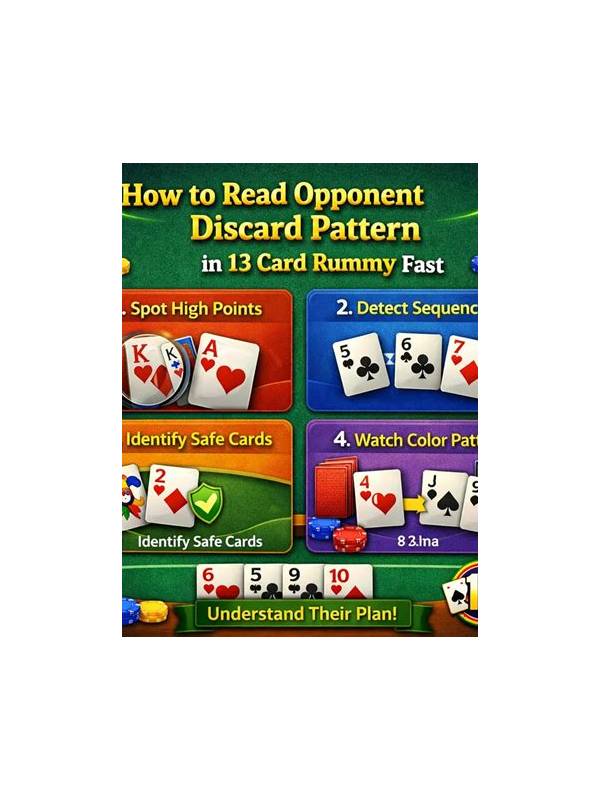
Rummy Tips for Reading Your Own Discard Habits
A simple review of released cards can reveal repeated habits that affect future hands. [...]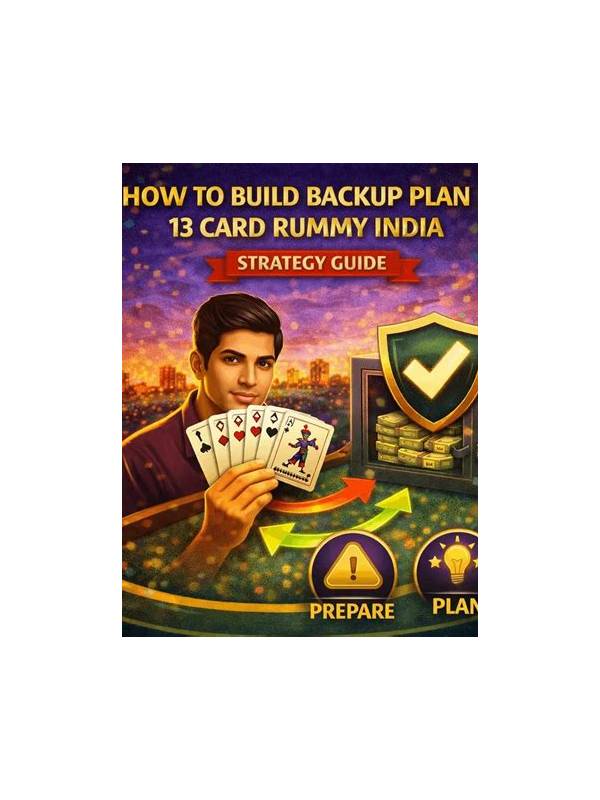
Rummy How-To: Build a Fallback When Your First Sequence Fails
Keep a second route alive without cluttering the hand with every possible combination. [...]