Rummy Safety: Confirm a Table Exit Before Closing
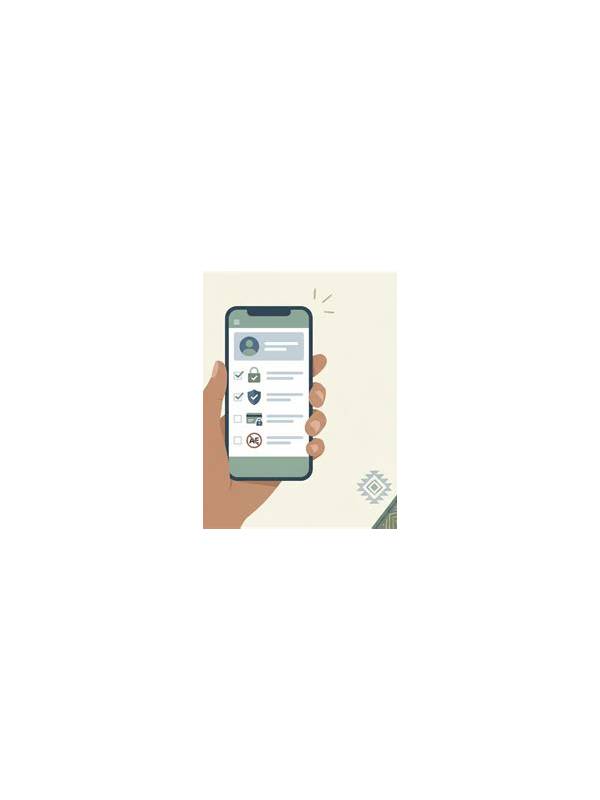
Leaving a digital table is usually simple, but a rushed exit can create avoidable problems. A short exit check confirms that the hand, account, and device are in the state you intended. It is especially useful when the device is shared, the connection is unstable, or a payment-related screen appeared during the session.
First confirm the table state. Check whether the hand has ended, whether a result is still processing, and whether any action button remains selected. Do not tap repeatedly when the screen appears slow. Wait for a clear status or reopen the official activity area to verify what happened.
Next check account state. Make sure you are signed out when using a shared device, and close any screen that displays personal details. Do not leave a one-time code, support conversation, or payment page visible. If the device is not yours, clear only the relevant session or browser data according to its normal settings rather than deleting information you do not own.
Review notifications and downloads. A legitimate app may save routine notices, but unknown files or update prompts deserve caution. Do not install a file merely because it appeared while you were playing. Verify the source through the official store or service route before taking action.
If money or refunds were involved, record the transaction status without storing sensitive credentials. Use the provider’s own history page and independently verified support channel for questions. Never send a password, full payment number, or verification code in a chat because a message claims to be urgent.
Finally, note the session boundary. Write the time you stopped and any planned follow-up, such as checking a result later. This avoids reopening the table repeatedly out of uncertainty. If the session ended because you felt rushed or distracted, treat that as a reason to pause rather than a reason to continue elsewhere.
The exit check should take less than a minute. Its purpose is not to add anxiety to recreation; it is to close the session deliberately, protect private information, and make the next account review easier.
If you are unsure whether an action completed, avoid relying on a notification preview alone. Open the account or activity page through the normal application path and check the recorded status there. Save only a redacted note if follow-up is needed. This process prevents a confusing screen from becoming a reason to repeat an action or disclose information to an unverified contact.
Related Post
Rummy FAQ: How Do You Review an Unfinished Hand?
An unfinished-hand review can improve decisions by examining structure, alternatives, and the next useful question. [...]
How to Prepare a Comfortable Rummy Playing Space
A calm physical setup can reduce distractions and make card decisions easier to review. [...]