Rummy Table Orientation: Learn a New Interface in Three Passes
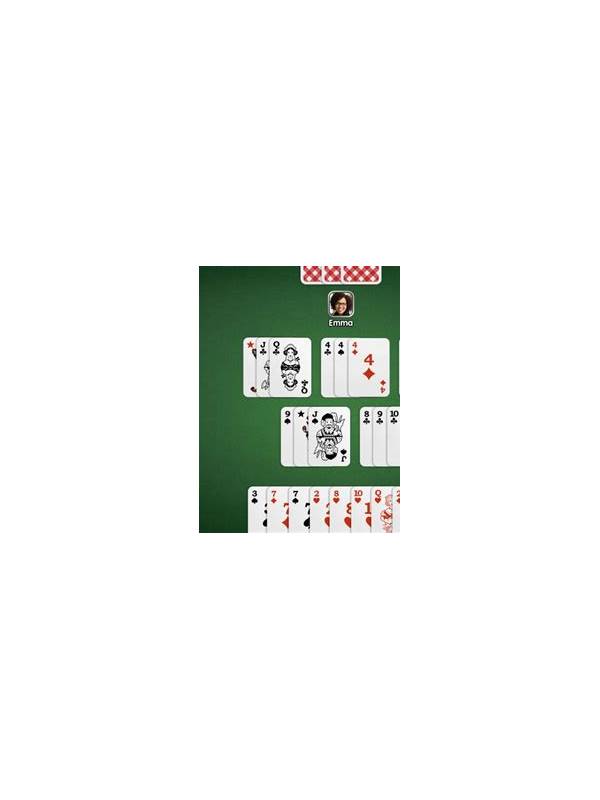
A new rummy interface can create mistakes even when you understand the card rules. Buttons may be placed differently, cards may sort automatically, and a timer may start before you have found the discard pile. A three-pass orientation makes the table easier to read before the first serious decision.
Pass one is navigation. Identify your hand, the draw sources, the discard area, the turn indicator, and the action used to confirm a move. Do not tap through every option just to explore. Read labels and use a practice or free mode when available. The goal is to know where information is located, not to begin a paid session.
Pass two is rules. Open the table’s rule panel and confirm the hand size, draw order, declaration requirements, scoring, and timer behavior. Variant names are not always enough; two tables with similar names may use different settings. If the explanation is unclear, pause and use the platform’s official help or support channel before committing anything.
Pass three is recovery. Find the account, connection, responsible-play, and support areas without entering sensitive information into chat. Learn how to report a display problem, reconnect safely, and leave a table. Check whether the platform provides a transaction history and how to verify a completed action.
After the three passes, play a low-pressure observation round if the format permits. Notice when the turn changes and whether the table highlights legal actions. Do not assume that a highlighted action is strategically correct. It only tells you what the interface allows.
Protect your account during orientation. Use only official installation and login routes, keep operating-system security features active, and review requested permissions. Never share passwords, one-time codes, payment details, or identity documents in table chat. If a message urges immediate action or promises a guaranteed result, stop and verify it independently.
The three-pass method saves attention later. Once navigation, rules, and recovery are familiar, your mental effort can go toward the hand itself. It also gives you a clear reason to leave an unfamiliar table: if you cannot explain the rules or the recovery path, the orientation is not finished.
A familiar layout is a comfort, but verified controls and clear rules are what make a new table usable. Give yourself permission to leave while you are still learning.
Take notes about labels and locations only after confirming that the table is official and appropriate for your situation.
Related Post
Rummy How-To: Make a Simple End-of-Session Routine
Close a rummy session cleanly with a brief routine for limits, notes, and account safety. [...]
Rummy Guide: Map Your Hand by Potential and Risk
A practical way to weigh useful cards without mistaking possibility for progress. [...]