A Quick Audit for Rummy App Permissions
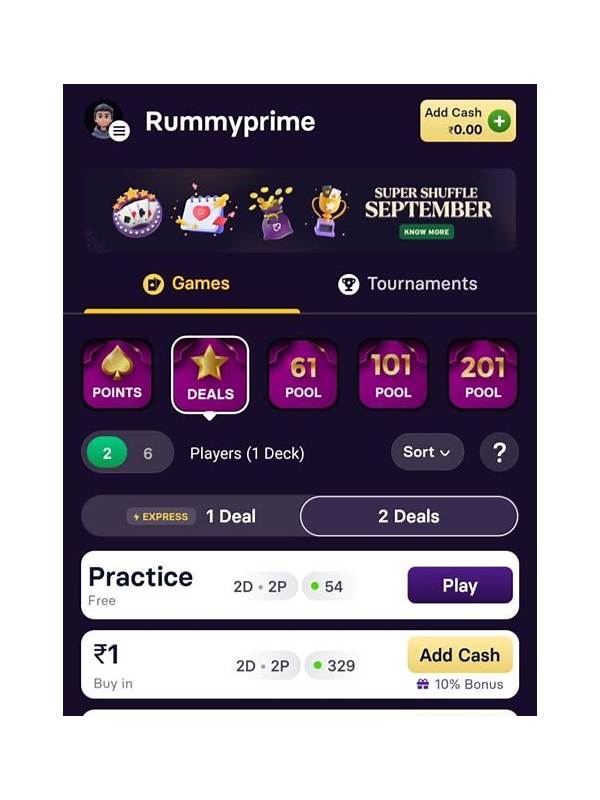
Privacy choices are easiest to make before an account is active and a game has begun.
Also review the developer and download source before installing. Use the platform’s official store or the publisher’s verified distribution channel, and compare the app name carefully with the one you intended to use. A similar icon or a familiar-sounding name is not proof of identity. Read the privacy policy and recent reviews for repeated reports of unexpected behavior, but remember that reviews alone cannot establish trust. Combine source, permissions, updates, and account practices in one decision.
An app can be entertaining and still deserve a careful permission review. Before using any rummy application, check what access it requests and whether each request matches a feature you actually need. This habit reduces privacy surprises and helps you distinguish a normal setup from an unnecessarily intrusive one.
Start in the phone’s app settings rather than relying only on the installation screen. Review camera, microphone, contacts, location, storage, notifications, and phone-related permissions. A card game may reasonably need network access and notifications for match updates. It should be able to explain any broader request in plain language.
Camera and microphone permissions deserve special attention. They may be relevant to a video-chat feature, but they are not essential to displaying cards or processing a standard game. If you do not use those features, leave access disabled. You can grant it temporarily later if the app offers a clear reason.
Contacts access is another useful warning signal. A friend-invite system may request it, but sharing a contact list should be optional and understandable. Look for an alternative such as choosing a username or copying an invitation link. Never assume that a permission is harmless simply because many apps ask for it.
Check storage behavior too. An application may need limited access for downloads or cached images, but it should not require unrelated personal files. On newer operating systems, use the narrowest available choice, such as selected photos or files. Review permissions again after updates because feature changes can alter requests.
Finally, inspect notification settings and account security separately. Notifications can reveal game activity on a lock screen, while account access may involve sensitive payment or identity information. Use a strong, unique password where possible, enable supported sign-in protection, and avoid entering payment details through links sent in chat.
Permission auditing is not a guarantee that an app is safe, but it is a useful first filter. Grant only what is necessary, revisit decisions periodically, and stop if an app refuses to explain a request that seems unrelated to playing rummy.
Related Post
Rummy How-To: Set a Stop Point for a Learning Session
A planned stop point keeps a rummy learning session measurable and prevents tired decisions from [...]
Rummy FAQ: What Does a Frozen Route Mean?
This FAQ explains how a once-promising rummy route can become practically unavailable. [...]