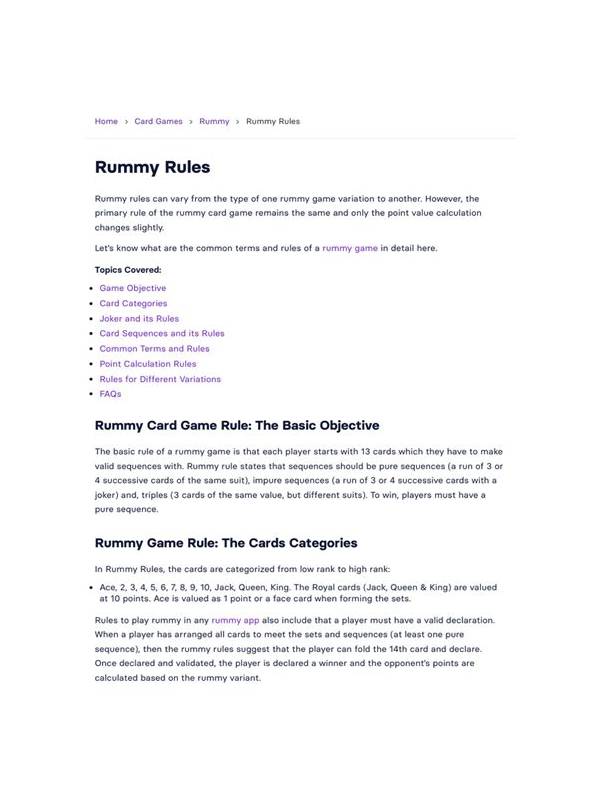
Rummy Safety: Keep Screen Sharing Free of Private Details
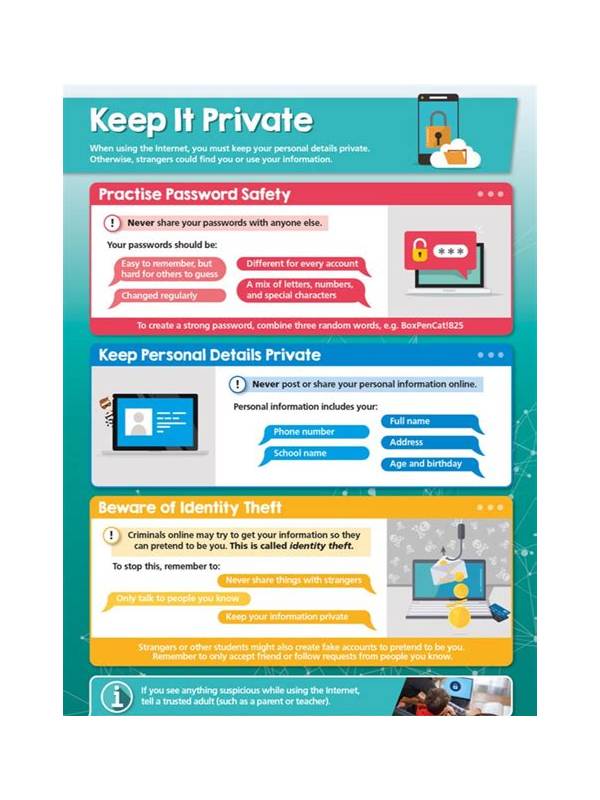
Screen sharing can help explain a rummy hand, but a game view may contain more information than expected. Account names, balances, notifications, email previews, and private chat can appear around the table. A short privacy check should come before sharing a screen, screenshot, or recording.
Inspect the entire frame, not only the cards. Look at the top status area, side panels, chat window, account menu, and any pop-up notifications. If the application shows a profile name or identifier, decide whether it is necessary for the explanation. Close unrelated windows and turn off message previews when possible. Never assume that a cropped view will remain cropped after another person saves or forwards it.
Remove sensitive details before sharing. Blur or cover account identifiers, payment information, one-time codes, email addresses, and private conversations. Do not share a login screen to prove that an account exists. If support needs evidence, use the service’s official upload or support process and follow its guidance on what to include.
Be careful with live screen sharing. Check who is in the audience, whether the session is recorded, and whether remote participants can capture the image. If you need to show a hand, consider recreating it with generic cards or sharing a narrow application window. Demonstrating the decision often requires less information than showing the entire account.
Game records can also reveal patterns about another player. Avoid posting names, private messages, or identifiable histories without permission. A teaching example can preserve the card structure while removing personal context. This protects everyone and makes the strategic point clearer.
After sharing, stop the recording and review where the file was saved. Remove temporary copies from shared locations if they are no longer needed, following the platform’s normal deletion and retention controls. Privacy is not a reason to avoid useful discussion; it is a reason to share only the part of the hand that the discussion actually requires.
If you receive a request for a screenshot from someone claiming to provide support, verify the support channel independently before sending anything. A real game position rarely requires credentials, payment details, or verification codes. When in doubt, describe the visible error in words and use the application’s official help route rather than transferring a complete screen.
Privacy checks should be routine, brief, and completed before the share begins.
They protect both the player and anyone visible in the shared record.
Review the audience before every session.
Related Post
Rummy Draws: Known Cards and Hidden Possibilities
Understand what open and closed draws can tell you before choosing between them. [...]
Rummy Session Budgeting for Time and Attention
Plan a rummy session by setting separate limits for time, attention, and optional spending. [...]