Rummy Safety: Handle a Frozen Table Calmly
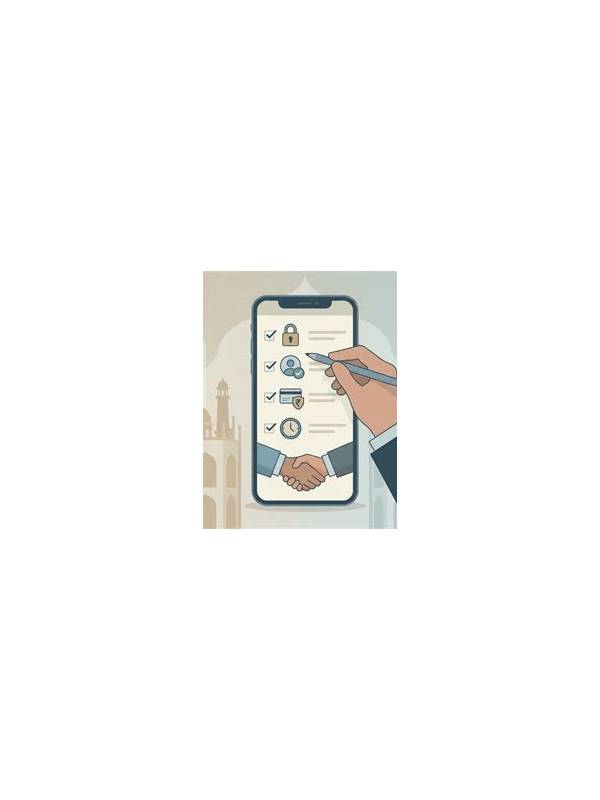
A frozen screen can make a player feel that immediate action is necessary. Repeated taps, closing the app too quickly, or following an urgent pop-up can create more confusion. A calm recovery sequence protects both your game state and your account information.
First stop interacting for a moment. Note what was visible: whose turn it appeared to be, whether a card had moved, and whether a confirmation message was on screen. Avoid tapping a button repeatedly because the device may process delayed inputs later. If the screen responds, use one deliberate action and wait for the result.
Check the connection and device status without changing sensitive settings. A brief network interruption, low storage, or an overheated device can affect responsiveness. If the app shows an official reconnection or resume message, follow it carefully. Do not install a helper file or share a verification code because an unexpected message claims it is needed to unlock the table.
If you must close the app, first look for an official save, leave, or reconnect option. After reopening, confirm the table status and result screen before starting another hand. A delayed action may have completed, so do not assume the previous state was lost merely because the display froze.
For support, use the channel listed in the app or on the verified official site. Describe the time, format, and visible error in general terms. Keep passwords, one-time codes, full payment information, and identity documents out of ordinary chat or notes. Provide only what the official channel requests through its protected process.
Once the issue is resolved, take a break before resuming. Technical frustration can make decisions feel urgent even when they are not. A calm recovery protects the session, reduces accidental actions, and keeps a small device problem from becoming a larger account or budgeting problem.
If a freeze happens repeatedly, treat frequency as information. Record the general time, device condition, connection type, and screen state, but omit account secrets. Repeated patterns can help official support diagnose the issue. Until the cause is understood, shorten sessions or play only when you can tolerate an interruption without feeling pressured to recover immediately. Recovery is complete only when you know the table state and feel able to make a considered decision. Otherwise, end the session and return later.
Related Post
Rummy Safety: Recognize an Unusual Payment Request
Unexpected requests for payment details or urgent transfers deserve a pause and independent verification. [...]
Rummy Comparison: Short Sessions Versus Long Sessions
Compare short and long rummy sessions by learning quality, attention, and risk of fatigue. [...]