Rummy Safety: Protect Personal Information on Shared Screens
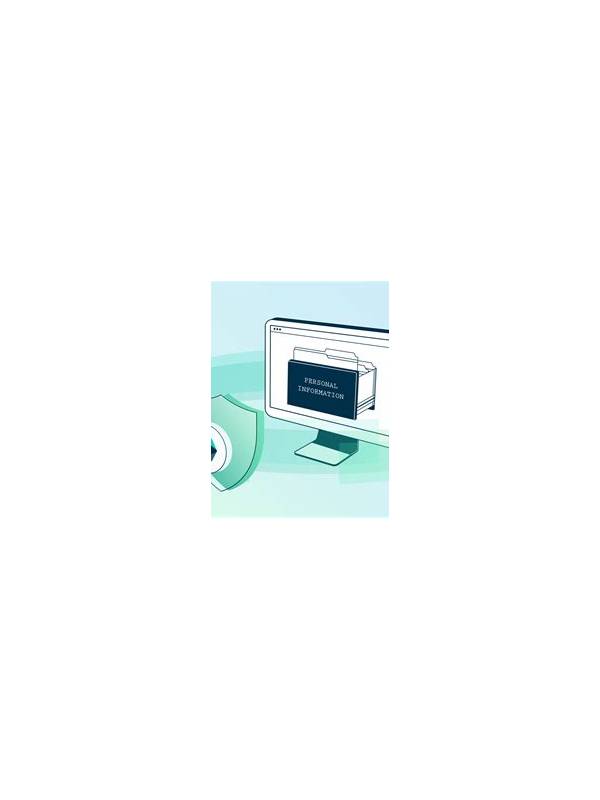
Online rummy sessions sometimes happen in busy homes, workplaces, or public spaces. A nearby person may see the screen, notifications, account name, or transaction details even when they are not part of the game. Protecting personal information is part of responsible play and does not require complicated technical knowledge.
Begin with the environment. Avoid opening a game or account page where strangers can easily read the screen. Use a privacy filter or reposition the device if others can look over your shoulder. Lock the screen whenever you step away, even for a short time. A device left open can reveal far more than the current hand, including messages and profile information.
Review notification behavior before a session. Pop-up previews can display one-time codes, payment alerts, or private messages over the game. Disable previews on a shared screen or use a focus mode that fits your device. Never read a code aloud or enter it while another person is watching. If an app requests information that seems unrelated to the game, pause and verify the request through an official channel.
Keep account boundaries clear. Do not lend your logged-in device, share passwords, or allow another person to play through your account. Avoid saving payment details on a device used by many people. If you suspect that someone has accessed the account, change the password through the official service, review active sessions, and contact support using a verified address.
Privacy also includes what you share after a game. Screenshots may contain usernames, balances, hand histories, or transaction references. Crop or blur those details before posting. A few seconds of checking the frame can prevent an avoidable disclosure. Responsible play protects both your spending decisions and the information attached to your account. Be especially careful with support conversations. Legitimate support should not need your password, full payment credentials, or a code that was sent to your private device. If someone nearby offers to “help” by taking the device, keep control of the session and use the service’s official help route yourself. At the end of play, sign out where appropriate and clear temporary downloads or screenshots. These small routines are useful even when you trust the people around you, because accidental exposure often happens through convenience rather than deliberate misuse. Before sharing a screen, close unrelated tabs and account pages. Privacy is easier to maintain when less information is open in the first place.
Related Post

Rummy FAQ: When Is a Sequence Better Than a Set?
A sequence is not automatically better than a set; the stronger choice depends on requirements, [...]
Rummy FAQ: Can You Rearrange Cards After Drawing?
Learn how arranging cards affects thinking while the active table rules determine what actions are [...]