Rummy Safety Guide: Lock Down Sessions on Borrowed Devices
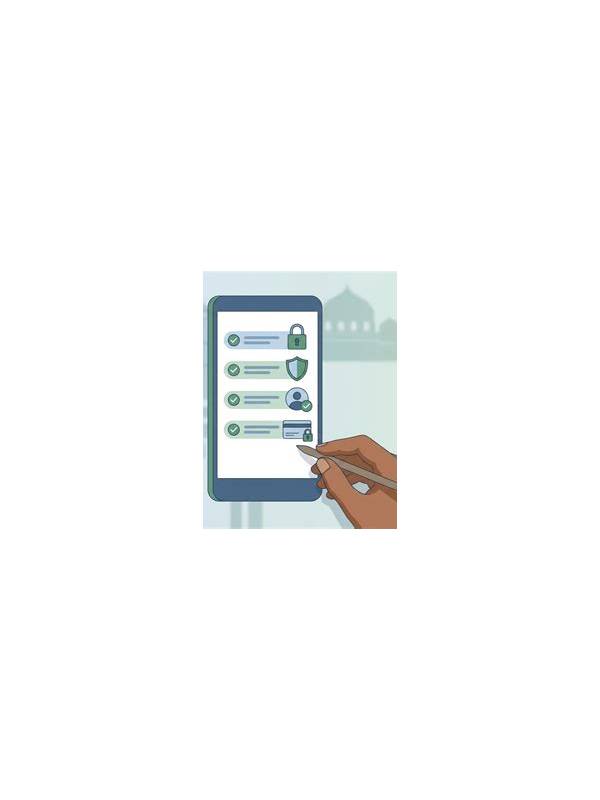
Shared devices create a different safety problem from ordinary play. A family member, coworker, or repair technician may use the same browser or phone, and small lapses can expose account details. Good habits reduce that risk without making the session inconvenient.
Start with the device itself. Use a screen lock and avoid saving passwords in a browser profile that other people can open. If the device has several user profiles, keep your gaming account in your own profile. Do not leave an active session open when you walk away, especially on a public or workplace computer.
Review what the application can access. A rummy app generally should not need unrelated contacts, messages, or extensive file access for basic gameplay. If a permission request seems unnecessary, decline it and check whether the app still works. Permissions can change after an update, so review them occasionally rather than treating the first setup as permanent.
Be careful with screenshots and screen sharing. A screenshot may include a username, wallet balance, transaction reference, email address, or notification preview. Crop sensitive areas before sending an image for support. During a video call or remote-help session, close the app and cover private information before sharing your screen.
Use only support channels that you can verify independently. A message that claims to be support may ask for a one-time code, password, or remote access. Do not provide those details. Open the service through a known bookmark or official app menu and start the support conversation there. If a request creates urgency or promises a special reward for immediate action, pause and verify it.
When finished, sign out if the device is shared. Clearing a browser’s saved form data can also help, but it is not a substitute for signing out. Check downloads and photos for identity documents or payment screenshots that no longer need to remain on the device. Delete them only after confirming that you do not need the records for a legitimate dispute or receipt.
Finally, separate entertainment from account recovery. Use a unique password, keep recovery details current, and enable an available second factor through the service’s own settings. These steps are especially important when the same email address is used for shopping, banking, or work. A few minutes of device hygiene can protect both the rummy account and the wider digital identity connected to it.
Related Post
Rummy FAQ: How Should You Handle a Pair With No Clear Plan?
Learn when an unconnected pair is worth keeping and when it is time to let [...]
Rummy Table Audio and Chat: Keep Communication Clear
Simple communication habits make online rummy sessions calmer and easier to follow. [...]