Rummy Safety: Recognize a Fake Support Message
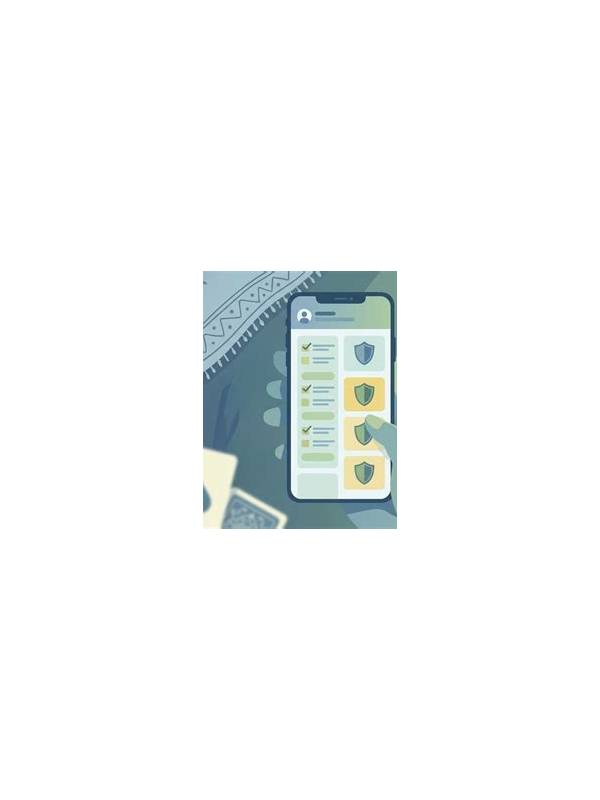
Players may receive messages claiming to offer account help, bonus assistance, or faster withdrawals. A convincing logo or urgent tone does not prove that a message is genuine. Treat unexpected support contact as unverified until it passes several independent checks.
Look at the channel first. Use the support option inside the official app or the service’s known website rather than replying to a new private account. Do not assume that a profile picture, display name, or familiar wording confirms identity. Attackers can copy all three. If a message asks you to move the conversation to an unfamiliar channel, pause before following it.
Check the request. Legitimate support should not need your password, one-time authentication code, full payment credentials, or remote control of your device. Never paste sensitive codes into chat, forms, or links supplied by an unexpected sender. If a payment is requested to unlock a withdrawal, verify the policy through an independent official route before taking any action.
Inspect links carefully without opening suspicious ones. A misspelled domain, shortened address, or unexpected attachment deserves caution. When in doubt, type the known service address yourself or open the app directly. Keep the device and app updated, and use a unique password with available multi-factor protection.
Pressure is another warning sign. “Act within ten minutes,” threats of account closure, and promises of guaranteed rewards are designed to reduce reflection. Take a screenshot for your records, stop responding, and report the contact through the official channel. If you already shared information, change the affected password from a trusted device and contact the relevant provider promptly.
Security habits should remain the same whether the message concerns a game, payment, or technical issue. Verify the channel, question the request, avoid secret sharing, and resist urgency. These steps are simple, but they protect an account more effectively than a convincing message can threaten it.
If you are unsure whether a message is real, do not use contact details supplied inside that message to verify it. Open the service independently and ask support there. Save dates, usernames, transaction references, and screenshots without forwarding private codes. If money or account access may be affected, contact your bank or payment provider through its official number as well. Be cautious with screen-sharing requests and verification downloads; legitimate troubleshooting should explain why a tool is needed and how to remove it. A calm delay is safer than an urgent response. Most genuine account problems can be investigated through a known support path, while a scam depends on keeping you inside its chosen channel.
Related Post
Rummy Tips: Use Verbal Pairing in Offline Practice
Saying a card’s rank and suit while sorting can strengthen accurate recognition during low-pressure practice. [...]
Rummy Comparison: Speed of Play Versus Decision Quality
Choose a comfortable pace by weighing timer pressure against the quality of your choices. [...]