Rummy Safety: Verify Support Channels Before Sending Documents

A support request for identification or payment information deserves careful verification. A familiar logo, a convincing message, or an urgent deadline does not prove that the request is genuine. The safest habit is to confirm the channel independently before preparing any document.
Start inside the official application or website you already know. Open the help or account section through your normal route and compare the contact details there with the message you received. Do not use a phone number, email address, or link supplied only by the unexpected request. If the platform has a ticket number, locate that ticket in the account area rather than replying immediately.
Read the request narrowly. A legitimate process should explain why information is needed, what formats are accepted, how it will be protected, and where questions can be sent. Be cautious when a message requests passwords, one-time codes, remote-control access, or a complete payment credential. Those requests should be treated as warning signs even when the sender claims urgency.
If a document is genuinely required, share the minimum permitted information through the platform’s protected upload form. Check the destination and privacy notice first. Avoid sending identity images through informal chat, public comments, or an unverified address. Keep a record of what you submitted and when, without storing unnecessary copies on a shared device.
When uncertain, pause the process. A delay is safer than sending a document to the wrong person. Contact support through the independently verified channel and ask whether the request belongs to your account. If you already shared information, change relevant passwords through the official route, monitor account activity, and use the platform’s security process.
Support should reduce uncertainty, not create pressure. Verification, limited disclosure, and a secure upload path protect both the account and the person using it.
Keep copies only when there is a clear reason and store them in a protected location. Do not leave identity images in a downloads folder, an open photo album, or a chat shared with other people. When the support process is complete, follow the platform’s retention guidance and remove temporary copies if appropriate. If a document includes information that is not required, ask whether it can be redacted before upload.
Never let a request for privacy push you into an unverified private channel. A safer process is transparent about where information goes and who can access it. If the explanation is vague, stop and ask for the official policy before continuing.
Related Post
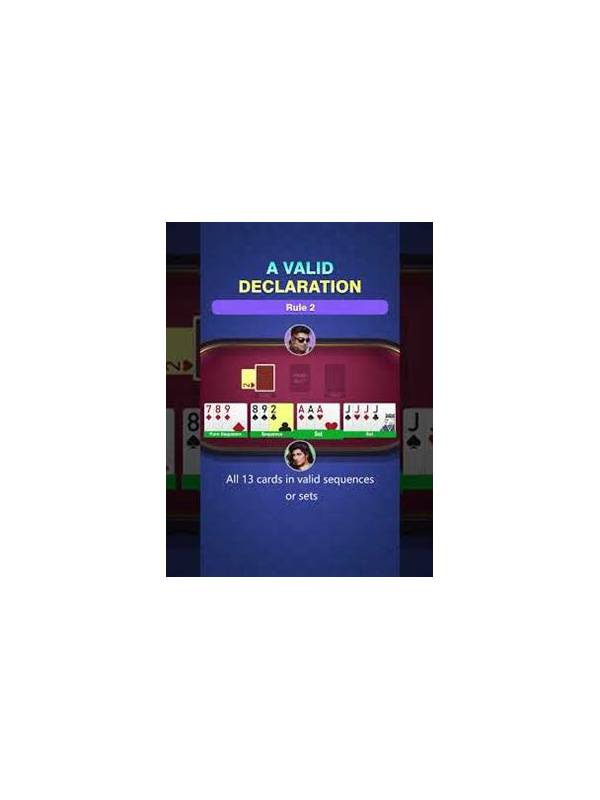
Rummy How-To: Make a Declaration Checklist
A short declaration checklist catches grouping and rule errors before you commit to the final [...]
Rummy FAQ: Why Does Hand Organization Matter?
Organized cards make legal groups, weak commitments, and missing requirements easier to see under time [...]