A Safety Checklist for Shared Devices and Rummy Accounts
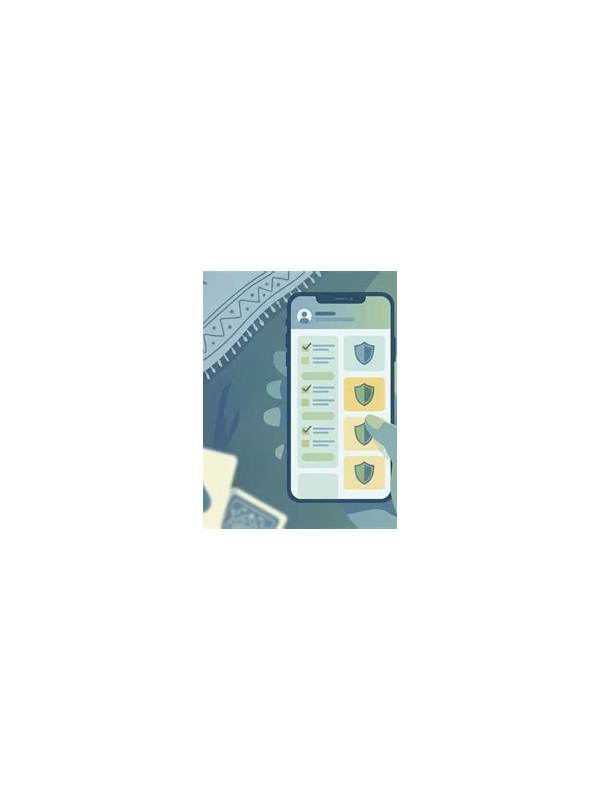
Playing on a shared phone, tablet, or computer creates risks that have nothing to do with card strategy. Someone else may see notifications, saved sessions, payment screens, or account details. A short privacy checklist can make shared-device play safer.
Use your own account profile when the device supports multiple profiles. If that is not possible, sign out after the session and avoid saving login details in the browser or application. A remembered password may be convenient, but it can expose the account to anyone who uses the device later.
Check notifications before opening a game. Message previews and one-time codes can appear on a lock screen. Turn off sensitive previews temporarily or use a private profile where appropriate. Never share authentication codes with another person, and do not enter them where an unfamiliar page requests them.
Review permissions before installing any app. A card game may reasonably need network access, but unrelated requests for contacts, messages, or accessibility control deserve careful scrutiny. Download software only from a source you can verify, and keep the operating system updated. If an installer asks you to bypass important security warnings, pause and investigate.
Protect payment information separately from game access. Do not store card details on a shared device unless you understand the device’s user separation and security settings. Check transaction records through the official service, and set spending limits that match your personal plan. Never chase a loss by adding funds simply because another person is watching or urging you.
Watch for account changes. An unexpected password-reset email, new device notice, or unfamiliar transaction is a reason to stop playing and secure the account through the official support route. Do not trust links in urgent messages; open the known website or app directly.
Before leaving the device, close the session, remove temporary downloads, and confirm that no personal document or screenshot remains in the gallery. Use a screen lock and avoid public Wi-Fi for sensitive account actions when a trusted connection is available.
Privacy is part of responsible play. A secure device, cautious installation process, and clear spending boundary protect both your information and your peace of mind. If any platform cannot explain how it handles accounts or withdrawals, do not provide personal or financial data until the concern is resolved.
Parents and household owners should also agree on device access in advance. Clear permission prevents accidental purchases, exposed messages, and arguments about who is responsible for an account.
Related Post
Rummy FAQ: When Should You Break a Nearly Complete Sequence?
A nearly complete sequence is worth reconsidering when its missing card has few realistic paths [...]
Rummy Strategy: Use a Two-Pass Hand Scan
Scan a rummy hand first for completed structure and then for improvement opportunities. [...]