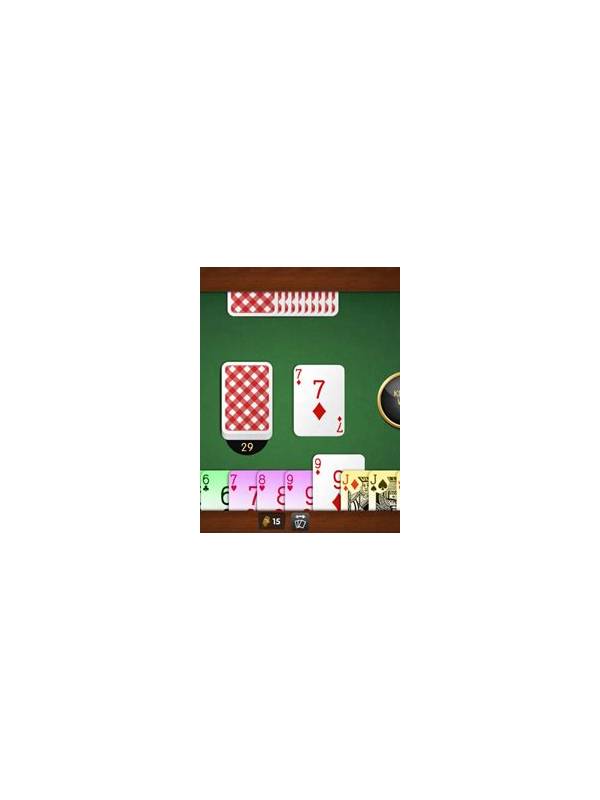
Rummy Table Setup: Improve Visibility Before the First Deal
Visibility affects decisions more than many players expect. Small cards, glare, notifications, or a crowded layout can cause a missed suit, a wrong rank, or an accidental action. A short table setup routine reduces these avoidable errors before the first deal.
Start with the screen. Increase text or card size if the application allows it, and choose a brightness level that avoids glare. Keep the device steady rather than holding it at an awkward angle. If you use a phone, clear unnecessary notifications so a banner cannot cover the discard pile or interrupt a timed turn.
Read the table information before joining. Check the game format, entry conditions, scoring method, timer, and whether practice or cash play is selected. If the rules are not clear, find the help page or leave the table until they are. A familiar name does not guarantee identical rules across platforms or variants.
Arrange your physical environment as well. Sit where you can concentrate, keep water nearby, and avoid playing while walking, driving, or supervising a task that needs attention. Use a private network when possible, and avoid entering account or payment details on a shared device.
During the first hand, confirm the controls with low-risk actions. Notice where draw, discard, sort, and declaration buttons are located. Do not tap quickly just because the timer is running; a deliberate pause can prevent an unwanted move. If the interface behaves unexpectedly, capture the information you need and contact official support through the application.
Good setup is not about elaborate equipment. It is about making the information reliable and the actions intentional. A clear screen, understood rule set, and distraction-free position give strategy a fair chance to matter.
Run the setup again after a software update or device change. Buttons may move, display scaling may reset, and permission requests may appear. Read unexpected prompts rather than accepting them automatically. If the application requests access unrelated to play, investigate before continuing. A minute spent checking the environment can prevent a missed timer or information exposed to someone nearby.
If card labels remain difficult to distinguish, stop and change the display or choose another device. A player should not have to guess whether a symbol is a suit or rank. Accessibility settings, landscape orientation, and a larger interface can help, but test them before joining a serious table.
Finally, check audio expectations. Use a quiet setting or mute unnecessary sounds so alerts do not create urgency. Keep the volume low enough to protect privacy, and never let an audio prompt replace reading the visible action and rules.
Related Post
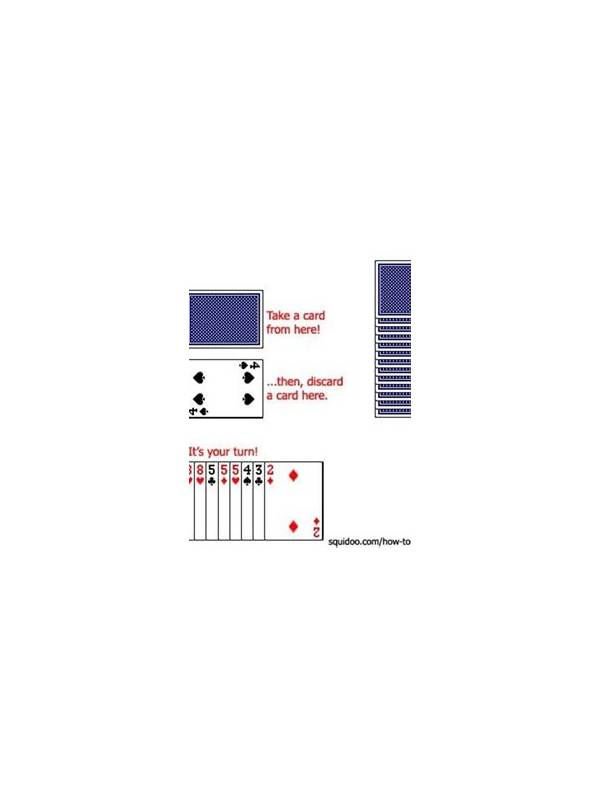
Rummy FAQ: How Much Should the Discard Pile Influence Your Plan?
The discard pile is valuable evidence, but it should adjust a plan rather than replace [...]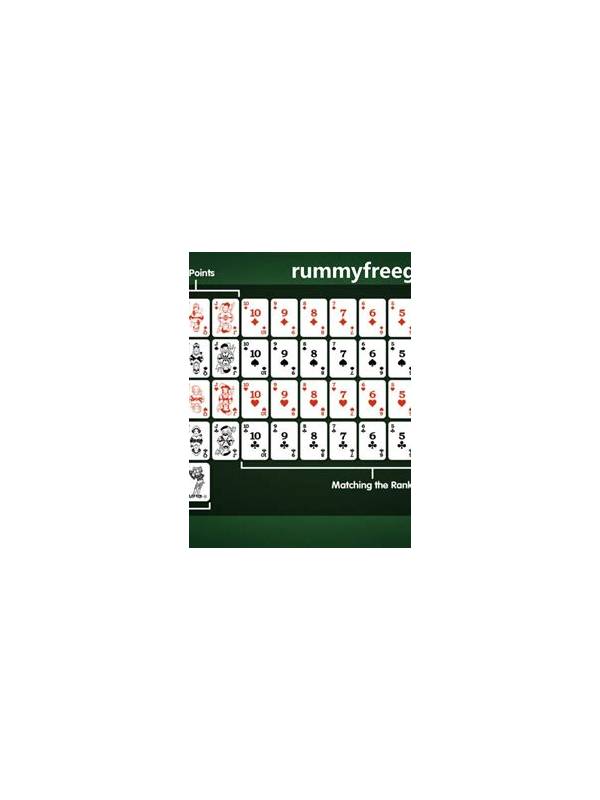
Rummy How-To: Review the Moment Your Hand Changed
Finding the exact turn when a hand changed makes post-game learning more precise than reviewing [...]