Rummy Safety: Check App Permissions Before Playing
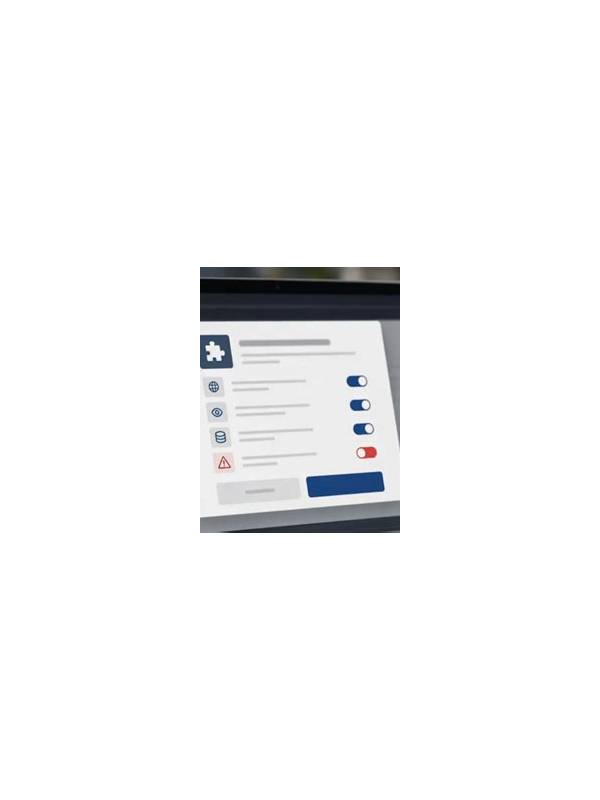
Before joining a digital rummy session, spend a minute reviewing what the app can access. Permissions are not a judgment about whether a service is trustworthy; they are a practical way to limit information that is not needed for play. A card game normally needs a network connection, but it may not need contacts, precise location, a microphone, or access to unrelated files.
Open the device’s permission settings and read each category. If a feature is genuinely required, choose the narrowest available option, such as access only while using the app. If a permission appears unrelated to the game, deny it and see whether the core functions still work. Avoid granting broad access simply because a prompt appears during sign-in or a promotional event.
Review notification previews as well. Messages that display account names, balances, or verification details on a locked screen can expose information to anyone nearby. Disable sensitive previews and use a strong device lock. On shared devices, sign out when finished and do not save payment or login details in a browser profile that others use.
Privacy also includes the information you post yourself. Do not share screenshots that reveal one-time codes, account identifiers, transaction references, or private conversations. Support staff should not need your password or a full authentication code. If a request feels urgent, close the chat and reach support through the app’s verified route.
Make permission checks part of setup rather than an emergency response. Revisit them after major app updates, because features and defaults can change. These steps cannot eliminate every risk, but they reduce unnecessary collection and make unusual requests easier to notice. A safer session begins before the first card is dealt.
Also check whether the app offers sign-in alerts, device lists, or a way to revoke old sessions. Turn on protections that you understand and keep recovery information in a secure place outside public notes. If an update changes a permission request unexpectedly, pause and verify the developer and download source before continuing. A few minutes of setup can prevent a much longer recovery process.
If a permission cannot be changed without disabling an essential feature, decide whether that feature is worth the tradeoff. You can choose a browser, device, or service with clearer controls instead. Safety improves when you have alternatives and understand the information each option requires.
Related Post

Building a Rummy Vocabulary for New Players
A compact vocabulary guide makes table instructions and hand reviews easier for beginners. [...]
Rummy Tips: Keep a Stop Point for Practice Points
A predefined stop point makes practice sessions easier to evaluate and prevents a disappointing result [...]