Rummy Safety: Avoid Account Sessions on Public Wi-Fi
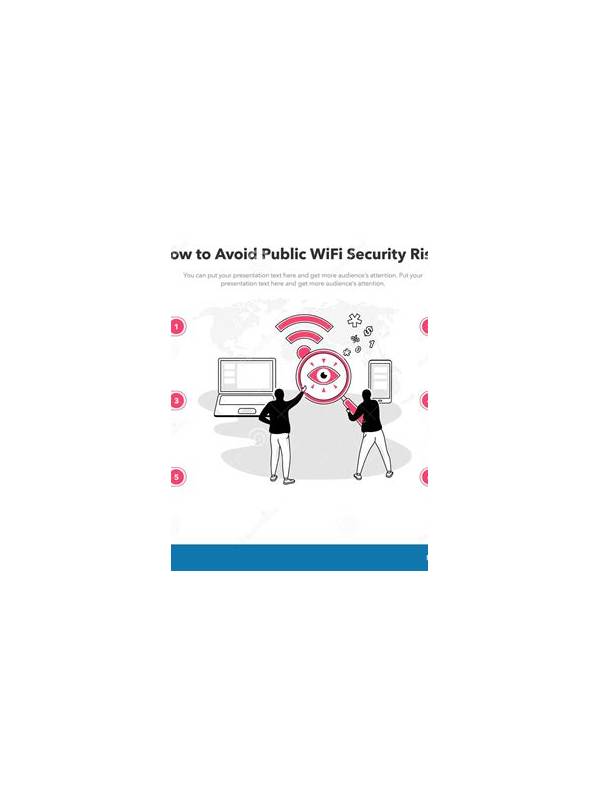
Rummy Safety: Avoid Account Sessions on Public Wi-Fi
Public Wi-Fi can be convenient in cafés, hotels, airports, and shared offices, but it is not the best place for sensitive rummy account or payment activity. The network name may be imitated, traffic may be poorly protected, or the device may remain connected after you leave.
Use a trusted mobile connection or a known private network when signing in, depositing, or requesting a withdrawal. If you must use public Wi-Fi for a non-sensitive activity, avoid entering payment details and confirm that the app connection is protected. A lock icon alone is not proof that the network itself is trustworthy.
Disable automatic connection to open networks. Forget networks you no longer need, and turn off file sharing and nearby-device discovery in public places. Keep your operating system and the rummy app updated through official stores. Updates can address security problems as well as add features.
Never install an “urgent security update” offered through a pop-up, message, or unfamiliar download page. Close the prompt and check the app through its official distribution channel. Use a unique password and an available second-factor method. Do not share verification codes with anyone claiming to be support.
After using a shared network, sign out if the device is not yours and review active sessions if the service provides that option. If you notice an unfamiliar login, change the password from a trusted connection and contact official support through the app or verified website. Monitor account activity and payment notifications for unexpected changes.
Connection safety cannot guarantee that a platform is legitimate. Check the service’s identity, rules, and support route separately. Treat public Wi-Fi as a reason to postpone sensitive actions, not as a reason to ignore other account safeguards. Be especially cautious with shared or borrowed devices. Do not save login details, and check that no payment wallet or password manager remains unlocked when you step away. Lock the screen whenever you are not actively using it. If a public connection requires unusual registration information, verify the venue’s instructions in person rather than following a message from an unknown number. Privacy habits complement network security and reduce the chance that convenience becomes an account problem. When possible, postpone deposits and withdrawals until you are on a trusted connection. This one change limits the consequences of a compromised network and gives you time to verify any unusual request through an official support route.
Related Post
Rummy How-To: Write a One-Line Plan After Each Draw
A one-line plan keeps the next decision visible and makes later hand reviews faster and [...]
Rummy Comparison: Counting Groups or Counting Unresolved Needs
Two ways of reading a hand can lead to different priorities, so learn when each [...]