Rummy Safety: Use a Device Lock Before a Gaming Session
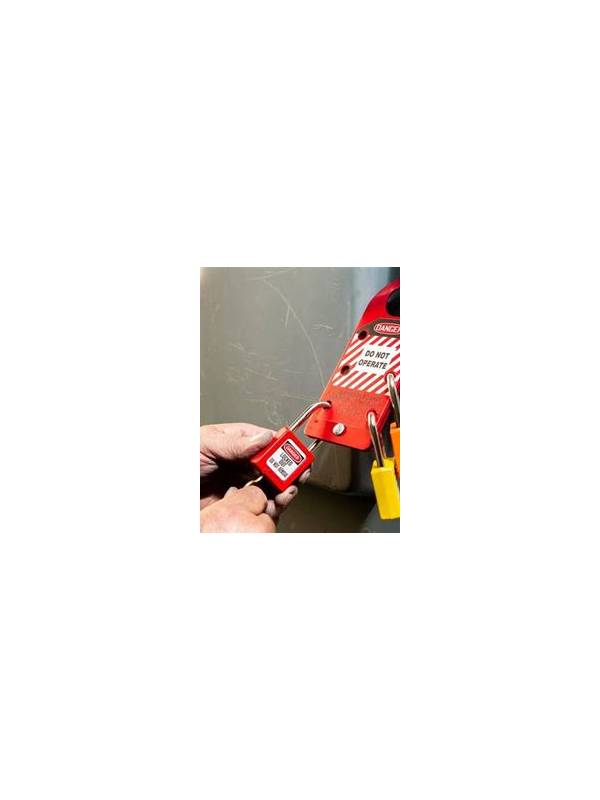
A device lock is a basic safeguard that is easy to overlook when a rummy session begins casually. If a phone, tablet, or laptop is left open, another person may see account details, notifications, saved payment information, or an active game. The risk is higher on shared devices, during travel, or whenever you move between networks and locations.
Before installing or opening a game, confirm that your device uses a passcode, password, fingerprint, or another supported lock. Choose a method that other people cannot easily guess. Avoid simple patterns based on birthdays, repeated digits, or the same code used for a public account. If biometric unlocking is enabled, know how to temporarily disable it when circumstances require a passcode instead.
Check the lock timeout as well. A long timeout may leave an unlocked screen available after you step away. A short timeout is safer, although it should not interrupt a legitimate turn unexpectedly. Choose a practical setting and lock the screen manually whenever you finish a session or hand the device to someone else.
Review what appears on the lock screen. Notifications can reveal a username, balance alert, verification message, or transaction status. Use the device’s privacy settings to hide sensitive notification content, or disable notifications from the game when you do not need them. This is especially important if your phone is visible in a workplace, classroom, vehicle, or public waiting area.
Do not rely on the device lock alone. Sign out of the game when the session ends if the app supports it, and avoid saving account credentials in a browser or password manager that is not protected by the device’s security settings. Never allow another person to “help” by entering a code while you are distracted. If you suspect that someone accessed the account, change the password through the official channel and review account activity.
Use only your own device or a clearly trusted profile for account activity. Public computers may retain data, and shared profiles can expose downloads or autofill entries. Keep the operating system and the game app updated from legitimate sources, since security updates address known weaknesses.
Finally, separate safety from spending. A locked device does not make a payment prompt trustworthy. Confirm the recipient, amount, and terms before authorizing anything, and stop if a message creates unusual urgency. A device lock is one layer in a wider routine: secure the screen, limit visible information, end sessions cleanly, and inspect unexpected account activity promptly.
Related Post

Rummy Tips: Choose Practice Tables by Learning Goal
Matching a practice table to one specific learning goal makes short training sessions more useful. [...]
Rummy How-To: Create a Compact Table-Reading Checklist
A compact checklist helps you notice table pace and useful evidence without losing focus on [...]