Rummy Safety: Recognize a Suspicious Support Request
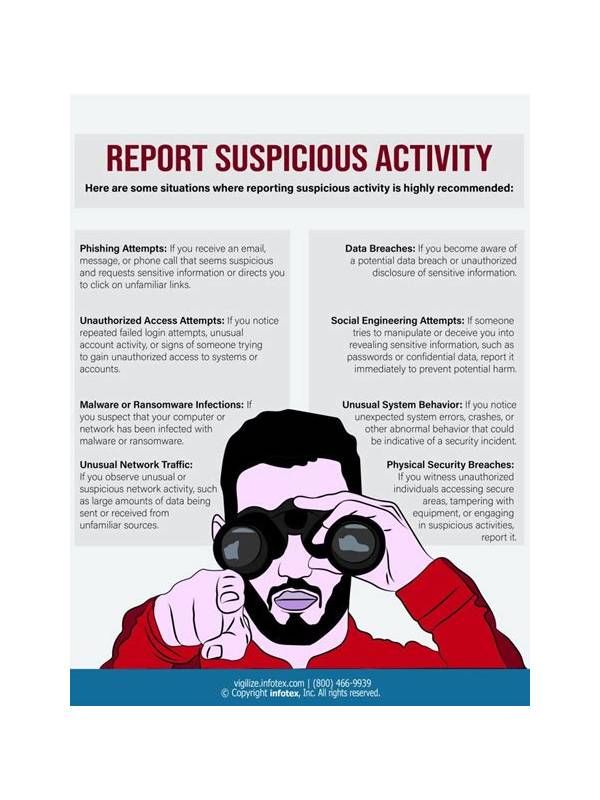
Account support should not require you to abandon basic security. Be cautious when a person claiming to represent a gaming service contacts you unexpectedly and asks for immediate action. The combination of urgency and secrecy is more important than the person’s friendly tone or apparent knowledge of your username.
Common warning signs include requests for a password, one-time verification code, remote access to your device, or payment sent to a personal account. Another warning sign is a link that does not match the service’s known address. A legitimate support process may request identity verification through an official channel, but it should explain why and protect the exchange.
Pause before responding. Open the service through a bookmark or an address you enter yourself, then check account notifications and the official help area. Do not use the link in the unexpected message. If support is needed, start a new conversation from that official area and describe the issue without copying sensitive credentials into chat.
Keep screenshots and message details if you need to report the request, but remove private information before sharing them. If you already sent a code or payment, change the affected password through the official service, contact the payment provider, and report the incident promptly. Do not negotiate with a person who is pressuring you to keep the matter secret.
Security habits are easiest to follow before an emergency. Decide now that no support contact may receive your password or one-time code. That single rule makes suspicious requests much easier to identify when the pressure starts.
Also be wary of requests to install an unverified application or browser extension to “fix” the account. Use the device’s normal security updates and the service’s documented application source instead. If a message says your account will be closed within minutes, treat the deadline as a reason to slow down, not a reason to click. Legitimate support can explain a case number and a safe next step through the official channel. You can ask whether a request is genuine without revealing any secret. When in doubt, stop the conversation, secure your account, and seek help from the service’s published contact path. If you are unsure whether a message is genuine, do not reply to confirm that your account is active. Go directly to the published support page instead. A real support team should not object to you using the normal route. After an incident, review active sessions and connected devices through the official account settings. Remove access you do not recognize and enable available security protections. These steps are safer than trying to persuade the suspicious contact to prove its identity.
Related Post
Rummy Safety: Set a Deposit Reminder Before Play
A short pre-session check can keep spending decisions separate from in-game pressure. [...]
Rummy FAQ: Does a Fast Start Always Matter?
A fast opening can help, but its value depends on flexibility, risk, and the rules [...]