Rummy Safety: Set an App Session Timeout Routine
An open game screen can expose your account, hand, balance, or private messages even when you are not playing. A session timeout routine is a small habit for closing that exposure. It is especially useful on shared devices, during travel, or whenever notifications appear on a locked screen.
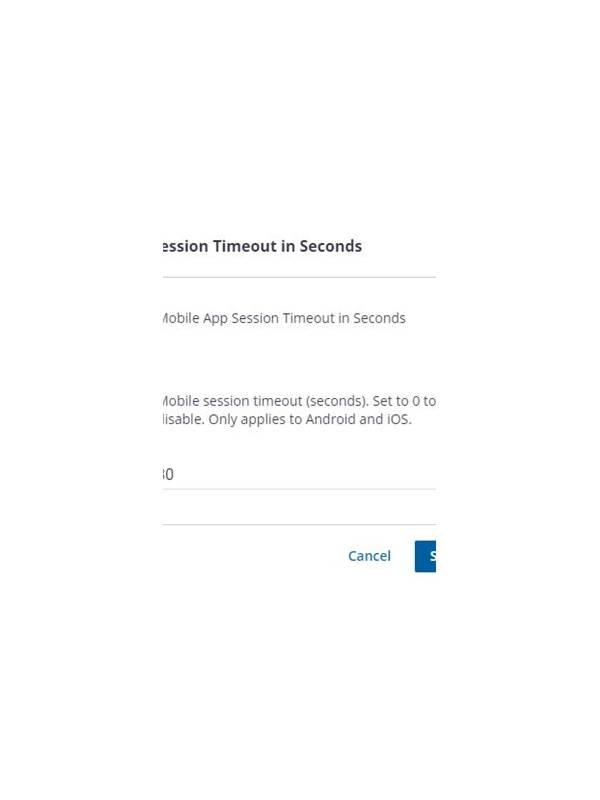
Before starting, check the app’s own security settings. Look for automatic logout, screen lock, biometric confirmation, notification previews, and device-level privacy controls. The names vary by app, so read the settings description instead of assuming that a timeout protects every action.
Choose a natural stopping point. When you finish a round, leave the table, confirm that no transaction is pending, and close the game view. If you need to step away mid-round, use the app’s pause or leave option if the rules permit it. Do not leave a live hand visible while handing the phone to another person.
At the end of a session, follow the same order: save only necessary notes, close chats, sign out if the device is shared, and lock the screen. Avoid relying on a quick swipe that may leave the app active in the background. On a personal device, a strong device passcode remains important even when biometric unlock is enabled.
Review notifications separately. A lock-screen preview can reveal a username, payment status, or table message. Disable sensitive previews through the operating system or app settings. Do not forward security alerts to someone offering unsolicited help; verify support through an official route.
If your device is lost while a session is open, use the device’s built-in remote-lock features and change account credentials from a trusted device. Contact verified support if the account or wallet may be at risk. Never share a recovery code with a person claiming to help.
Make the routine short enough to repeat. A consistent exit sequence is more reliable than an elaborate checklist you skip. Review it whenever the app, phone, or sharing situation changes. The aim is straightforward: when play ends, the account and its information should no longer be casually visible. Do not install a separate “security helper” offered through an unsolicited message. Use the operating system and the app’s verified settings. If a feature is unavailable, compensate with device locking and careful sign-out habits rather than granting unknown software access to your screen or notifications. Make the check part of closing, just like locking the door. Make the check part of closing, just like locking the door. A repeatable ending protects information even on busy days.
Related Post
Rummy Session Design: Alternate Focus and Recovery Blocks
Alternating focused play with short recovery blocks can make a rummy practice session more sustainable. [...]
Rummy How-To: Prepare a Low-Distraction Playing Space
A few practical setup steps can reduce missed turns and rushed choices during an online [...]