Rummy Safety: Check a Link Before You Log In
Rummy players may receive links through messages, group chats, advertisements, or support conversations. A familiar logo does not prove that a link is genuine. Before logging in, use a deliberate check that protects both your account and your attention.
First inspect the destination without entering credentials. Look for the official domain, correct spelling, and a secure connection. Be cautious with extra words, unusual endings, substituted letters, or domains that merely contain a familiar brand name. A lock icon only describes encryption in transit; it does not certify who operates the site.
Next ask why the link appeared. Urgent claims about expiring bonuses, blocked withdrawals, or immediate verification are common pressure tactics. A legitimate administrative message should still be verifiable through the app’s normal support area. Open the service independently from a saved, trusted route rather than relying on a message link.
Never share a one-time code, recovery phrase, password, or complete payment detail with someone who contacts you unexpectedly. Support staff should not need your secret login information. If a page requests more information than the task reasonably requires, stop and close it. Take a screenshot only after removing private details, and do not forward a live session or account identifier.
Keep device protections active. Update the operating system and browser, use a unique password, enable multi-factor authentication when available, and lock the screen when finished. On a shared device, do not allow the browser to remember credentials. Clear the session and sign out through the normal account control.
If you clicked a suspicious link, do not panic or continue exploring it. Close the page, update the password from the official route, review active sessions, and contact verified support if account information may have been exposed. Watch for follow-up messages that use the original incident to create more urgency.
Make link checking part of the session routine, especially before a withdrawal or account change. It should take less than a minute and should never be rushed by a promotion. Secure play includes protecting the account that makes the game possible. Use bookmarks or typed addresses only when you know they are correct, and inspect the address after a redirect. Password managers can help identify a recognized domain, but they are not a reason to ignore a warning. If a security prompt appears unexpectedly, pause the game and handle the account issue separately from play. When unsure, stop and verify through the independently opened application before proceeding with any account action.
Related Post
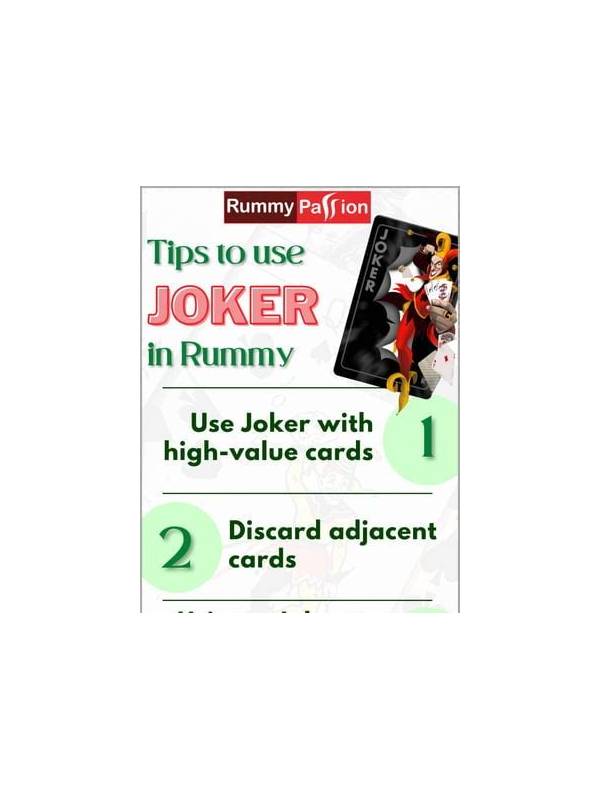
Rummy Tips: Use a Calm Pause Before the Final Discard
A brief pause before the final discard can catch legality mistakes and reveal a simpler [...]
Rummy Strategy: Use a Constraint Before a Preference
Checking the hand’s strongest constraint before following a favorite pattern leads to more practical rummy [...]