Rummy Safety: Manage Data Permissions in a Gaming App
Check before granting access
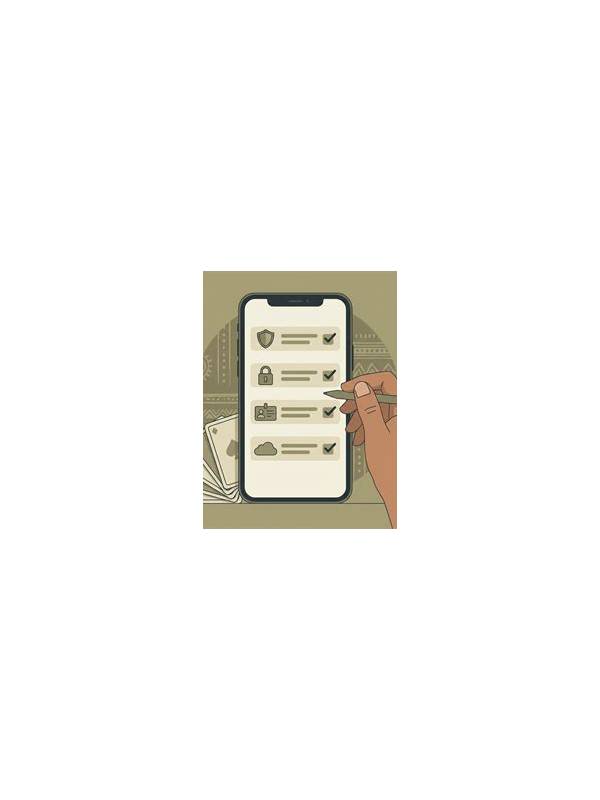
A game normally needs enough access to display the interface, connect to its service, and save ordinary settings. It may not need access to contacts, unrelated files, a microphone, or a precise location. Read the permission prompt and ask whether the requested access matches the feature you intend to use. If the explanation is unclear, pause and investigate through an official help or privacy page.
Use the device controls
Modern phones let you review permissions after installation. Open the operating system’s app settings and inspect camera, microphone, location, contacts, photos, and notification access. Disable permissions that are unnecessary for your use. Menu names differ by device, so follow the current instructions for your operating system rather than an old screenshot.
Protect account information
Do not paste passwords, one-time codes, payment details, or identity documents into a chat, form, or support channel unless you have independently verified the official destination and need is clear. Use a unique password where possible and enable available account protections. Lock your device and avoid saving sensitive screenshots in a shared gallery.
Keep software and sources trustworthy
Install updates through the platform’s recognized distribution path or a source you can verify independently. Be cautious of links that promise special rewards or urgent account repairs. A permission request combined with pressure is a strong reason to stop. If an app behaves unexpectedly, revoke unnecessary access, sign out, and consult the platform’s official support route.
Review periodically
Be careful with support requests
Also check whether notifications reveal account activity on a lock screen. Use a private display setting when available, particularly on a shared or borrowed device. Small privacy choices can prevent information from being seen by someone nearby, even when the app itself is legitimate.
Legitimate support may need information to identify an account, but it should explain the approved process and never require a password or authentication code. Reach support through the app or a website you opened independently, not through an unexpected message. Keep records of dates and general issue details without copying private secrets. If a request feels urgent, secretive, or inconsistent with normal practice, stop and verify it.
Permissions can change after updates, and your needs can change after you stop using a feature. Review them occasionally and remove apps you no longer use. Good privacy practice is routine rather than a one-time technical exercise. These steps cannot guarantee safety, but they reduce avoidable access and make unusual requests easier to notice.
Related Post

Rummy FAQ: When Should a Card Change Roles?
A card should change roles when new information makes its current job less useful than [...]
Rummy Guide: Review a Hand Without Outcome Bias
A process-based hand review separates the quality of a decision from the luck of the [...]