Rummy Safety: Keep Notifications From Interrupting a Session
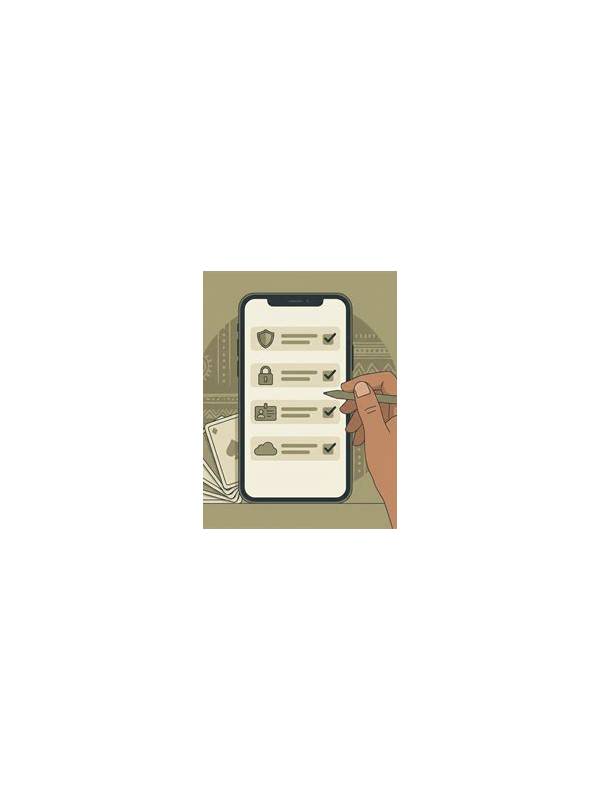
Online rummy requires attention to cards, rules, and timing. A sudden notification can break that attention and create both practical and privacy problems. A message preview may appear on a shared screen, or a rushed return to the table may lead to an accidental tap. A few preparation steps make sessions calmer without requiring complicated technology.
Before joining a table, review the device’s notification settings. Use a temporary focus mode or silence nonessential alerts if your device supports it. Keep emergency contacts available according to your own needs, but remove previews for private messages when another person could see the screen. This is especially important on a phone used by family members or in a public place.
Check whether the game app pauses safely when it loses focus. Rules differ between services and formats, so do not assume that switching to another app will protect your turn. If the platform has a reconnect or timeout policy, read it before playing. A short practice session can show what happens when the app is briefly minimized, but avoid testing with money or a high-stakes table.
Create a physical interruption rule. If someone needs your attention, finish the current permitted action only when you can do so deliberately, then leave the table or use the platform’s available pause option. Do not make a quick discard simply to answer a notification. If the interruption is urgent, protecting your attention is more important than preserving one hand.
Privacy also matters after play. Lock the screen when stepping away, and avoid capturing screenshots that include message previews, account identifiers, or balances. If you need a hand record for practice, crop or rewrite it without personal data. Never send a support screenshot until you have checked what else is visible.
Finally, notice whether frequent interruptions are a sign that the session timing is unsuitable. A session that repeatedly competes with work, travel, or family responsibilities is unlikely to produce careful decisions. Move practice to a quieter period or stop for the day. Good digital safety includes protecting the conditions that let you play with attention and clear limits.
If a notification causes an accidental action, check the platform’s history or support process while the details are fresh. Do not send more personal information than needed to explain the event. A calm record of the time, action, and visible error is usually more useful than a screenshot containing unrelated conversations.
Related Post

Rummy Table Selection: Questions to Ask Before Joining
Rummy Table Selection: Questions to Ask Before Joining offers practical guidance for clearer, safer, and [...]
Rummy Guide: Audit Assumptions Before a Risky Keep
An assumption audit reveals how much a risky kept card depends on information you do [...]