A Privacy Checklist for Online Rummy Accounts
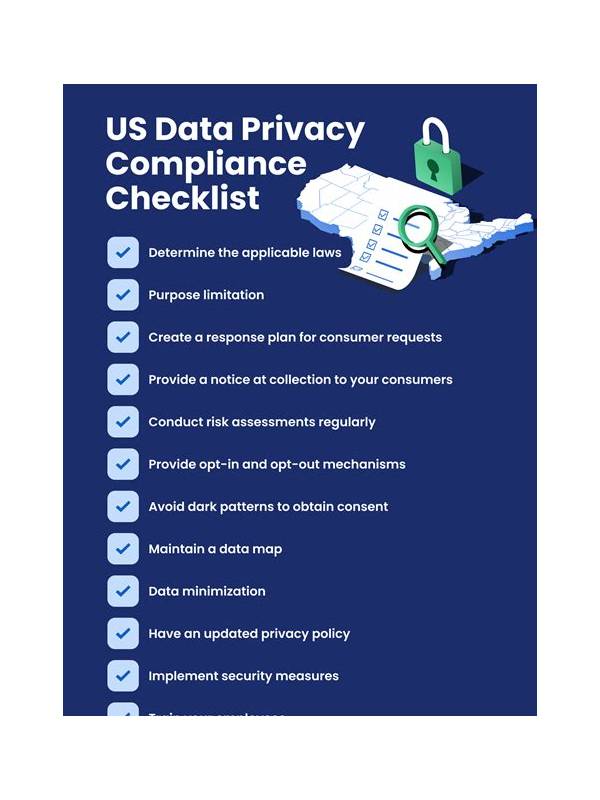
Privacy deserves attention before any online game begins. A rummy account may involve a phone number, email address, payment details, device information, and activity history. You do not need to share more than the service legitimately requires, and you should understand how information is handled before registering.
Begin with the official source. Confirm the address or store listing, publisher identity, and support route before downloading an app. Avoid installing files forwarded through group chats or unfamiliar links. A polished logo does not prove authenticity. Check permissions during installation and question requests that appear unrelated to gameplay or account security.
Use a unique password that you do not reuse on email, banking, or social accounts. If multi-factor authentication is available, enable it through the platform’s normal settings. Never give a one-time code to a person claiming to be support. Real support should not need your sign-in code or full payment password.
Review the profile fields. Some services need identity information for legal or payment reasons, while other fields may be optional. Leave optional publicity settings disabled if you do not want your name or activity displayed. Inspect notification preferences as well; message previews can reveal account activity on a shared lock screen.
Payment privacy requires extra care. Use only the supported payment method shown in the official account area. Do not send money to a personal number because someone promises faster withdrawals or a private bonus. Keep receipts and note the transaction reference without posting it publicly. If a charge looks unfamiliar, contact the payment provider through its official channel.
Finally, learn how to close the account, request data information, and contact support. Save a copy of the relevant policy only if you need it for a dispute, and avoid uploading identity documents to an unofficial form. Clear old sessions from devices you no longer use, especially shared phones.
Privacy is an ongoing habit. Recheck permissions after updates, keep the operating system current, and pause whenever a request feels unusually urgent. If a service cannot explain why it needs sensitive information, do not continue until you can verify the reason independently. Shared devices need an extra step. Sign out after use, hide notification previews, and avoid saving passwords where other people can open them. Deleting an app does not necessarily end an active session, so use account controls to review sessions and payment methods. These habits reduce accidental exposure without requiring technical expertise.
Related Post

Rummy FAQ: How Does a Critical Card Affect a Hand?
Identify bottleneck cards that quietly control several rummy plans at once. [...]
Rummy FAQ: Why Separate a Plan From a Prediction?
A plan describes your next action while a prediction describes an uncertain future, and confusing [...]