Rummy Safety: Check Privacy Before Using a New App
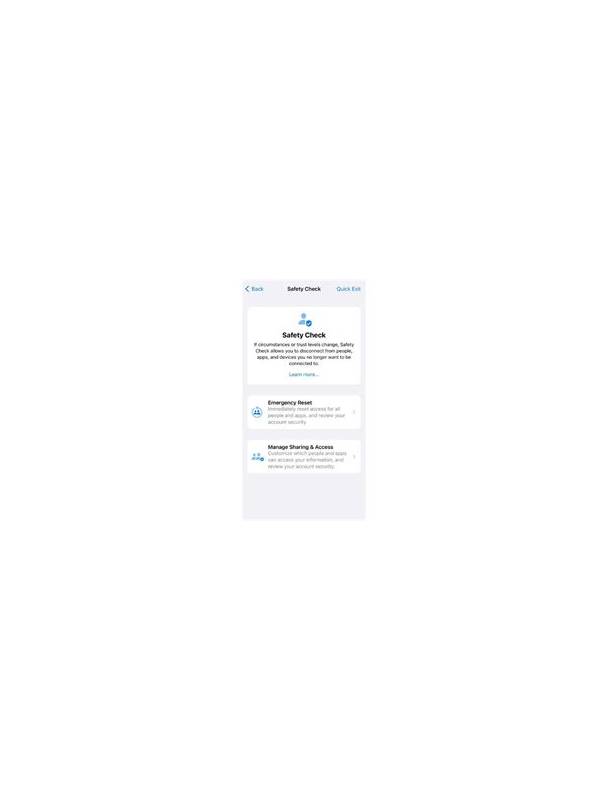
Before using an unfamiliar rummy app, take a privacy pause. The game may need basic access to function, but a request is not automatically justified because it appears during installation. Understanding what the app can access helps you decide whether the convenience is worth the exposure.
Read the permission prompts carefully. Ask why a card game would need access to contacts, precise location, a microphone, photos, or files. Some features may have a legitimate explanation, but vague requests deserve caution. Deny permissions that are unrelated to the feature you intend to use, and check whether the app still works without them.
Review the privacy notice if one is available. Look for what information is collected, why it is collected, how long it is retained, and whether it is shared with service providers or advertisers. Pay attention to account recovery, payment information, device identifiers, and messages. A short document is not automatically safer, but missing or evasive explanations are useful warning signs.
Protect the account itself. Use a unique password and enable available multi-factor protection. Do not reuse a banking, email, or work password. Avoid entering sensitive information through links in chat messages. If a support representative asks for a password, one-time code, or remote access, stop and use the official support path instead.
Limit information in your profile. A display name is usually enough; avoid publishing your full address, identity documents, or unnecessary personal details. Keep screenshots of receipts and account notices private. On a shared device, sign out when finished and remove saved payment details if the device is not exclusively yours.
Watch for changes after installation. New permissions, unusual battery use, unexplained notifications, or repeated login prompts should be investigated. Update through a trusted distribution channel, and uninstall the app if it behaves in a way you cannot explain. Privacy protection is not a single setting; it is a series of small checks made before information leaves your control.
Remember that privacy and account security overlap but are not identical. An app can have a detailed policy and still leave an account exposed through a reused password. It can also be secure while collecting more information than you want to share. Review both questions separately: can the account be protected, and is the requested data appropriate for the feature? Either answer can justify choosing another service. Trust your discomfort when a request remains unexplained. You are allowed to stop installation and investigate before granting access.
Related Post

How to Read a Rummy Room Before Joining
A careful scan of a rummy room can reveal rules, costs, and time demands before [...]
Rummy Comparison: Short Tables Versus Long Sessions
Short tables and long sessions create different demands on attention, budgeting, and decision quality. [...]