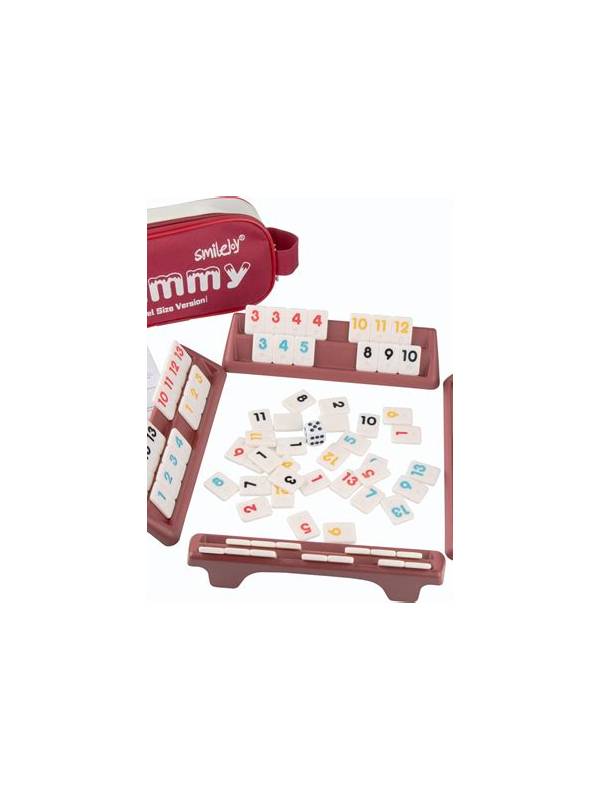
Rummy Table Lighting and Screen Comfort Guide
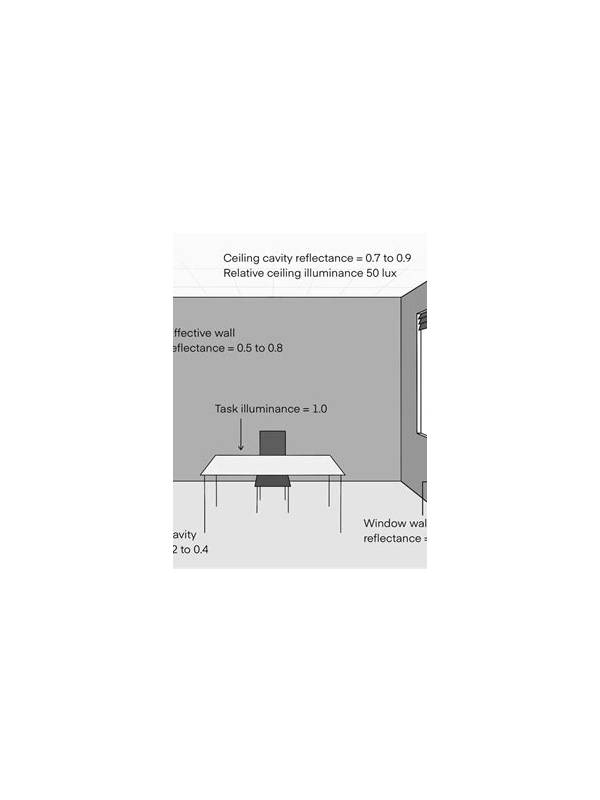
Comfort is part of concentration in an online rummy session. Glare, a dim room, or a screen that is too bright can make card labels harder to read and encourage rushed decisions. A few simple adjustments can make the table easier to follow without changing how you play.
Start with the room rather than the app. Place the main light to the side or behind the screen, not directly in front of it. A lamp facing the display creates reflections, especially on glossy phones. If you use a window as your light source, turn the screen away from the strongest beam or use a curtain to soften it. The goal is even background light, not a spotlight over the table.
Next, check screen brightness. It should be bright enough that card symbols are clear but not so intense that the white parts of the interface look blue or glaring. Automatic brightness can help when room light changes, although some players prefer a fixed level for consistency. Increase text size or display scaling if the app supports it. Enlarging labels is often more useful than leaning closer to the screen.
Keep the screen at a sensible distance. On a phone, support it on a stand so your hands do not cover the lower cards. On a desktop, place the monitor roughly an arm’s length away and keep the top near eye level. This reduces neck strain during longer practice rounds. If you wear reading glasses, use the pair intended for the distance you are playing at.
Before joining a table, run a short visual check. Can you distinguish suits, ranks, the discard pile, the timer, and any selected-card highlight? Try the check in the same lighting you expect to use. If a highlight is too faint, use the app’s theme, contrast, or accessibility options where available.
Finally, treat discomfort as a reason to pause. Rubbing your eyes, squinting, or repeatedly misreading a rank is useful feedback, not a challenge to push through. Better lighting will not improve every decision, but it removes an avoidable source of mistakes and helps you review the hand fairly afterward.
If you alternate between devices, repeat the check on each one. A setting that looks comfortable on a large monitor may be too small on a phone. Consistent preparation also makes it easier to tell whether a reading mistake came from the hand or from the display.
Related Post
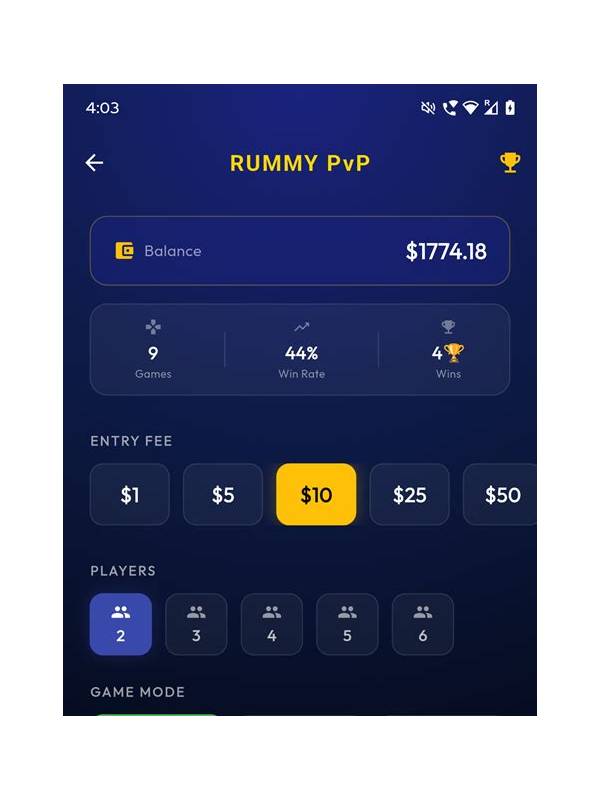
Rummy Safety: Keep Practice Stakes and Paid Stakes Distinct
Separating practice play from paid play helps you test ideas without confusing experimentation with financial [...]
Rummy Practice Layouts: Compare Cards on Paper and Screen
Compare physical and digital practice layouts to improve accuracy across interfaces. [...]