Rummy Safety: Use a Clean Device Profile for Shared Phones
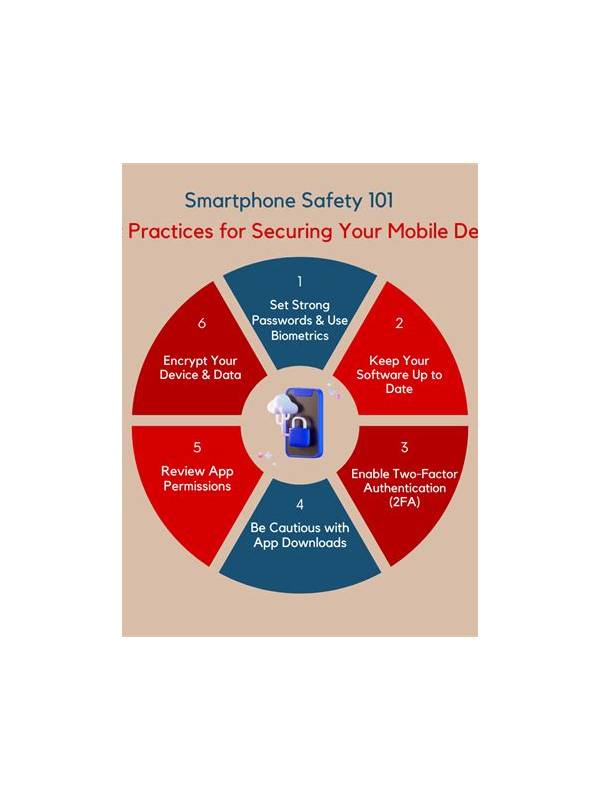
Shared phones create risks that are easy to overlook during an online rummy session. Another person may see notifications, saved screenshots, account history, or an open payment page. A clean device profile does not need to be complicated, but it should separate play information from ordinary household activity.
Before opening a game, review the lock screen. Hide message previews and account alerts if other people can see the phone. Close unrelated apps that might display personal information in the recent-apps view. If the device supports separate users or a guest profile, consider using that feature instead of leaving an account signed in on the main profile.
Check whether the app stores screenshots, recordings, or downloaded files in a shared gallery or folder. Remove only items you are authorized to remove, and avoid saving sensitive screens in the first place. Never share screenshots that expose full names, phone numbers, account identifiers, balances, or transaction references in public chats. If support needs evidence, use the platform’s official secure process and redact details when appropriate.
Pay attention to autofill. A shared device may offer saved passwords, addresses, or payment details to the wrong person. Use the device’s protected credential manager and confirm the account identity before submitting anything. Do not enter one-time codes where another app, person, or unverified support contact can see them.
When the session ends, sign out if the phone is not private. Clear open payment pages, return to a neutral screen, and check that notifications are not waiting in plain view. If you suspect that an account was accessed by someone else, stop using it, change the password through the official service, and contact verified support. Do not confront an alleged helper through an untrusted channel.
A clean device profile also improves concentration. Fewer notifications mean fewer impulsive taps and less chance of approving the wrong prompt. Make the check part of a short pre-play routine: lock screen, recent apps, gallery, autofill, and account status. Five calm seconds can prevent a much larger privacy problem.
If the phone is managed by a workplace, family member, or public charging station, be especially cautious about installing unknown profiles, allowing accessibility control, or accepting remote-support requests. Those permissions can expose more than the game itself. Use a trusted network when possible, and if the environment is not private, postpone the session rather than trying to compensate with hurried security decisions. A shared device deserves the same care as a shared wallet. Decide who can access the profile, keep recovery details private, and avoid leaving an account open for convenience. If you cannot confirm that the device is secure, use a different device or wait until you can complete the session privately and calmly.
Related Post
Rummy How-To: Set a Deadline for Every Speculative Route
A simple deadline prevents a hopeful rummy combination from occupying valuable hand space indefinitely. [...]
Rummy How-To: Build a Small Endgame Checklist
A compact endgame checklist protects legal requirements, timing, and clear action when the hand is [...]