Rummy App Privacy Settings Worth Checking Before Your First Game
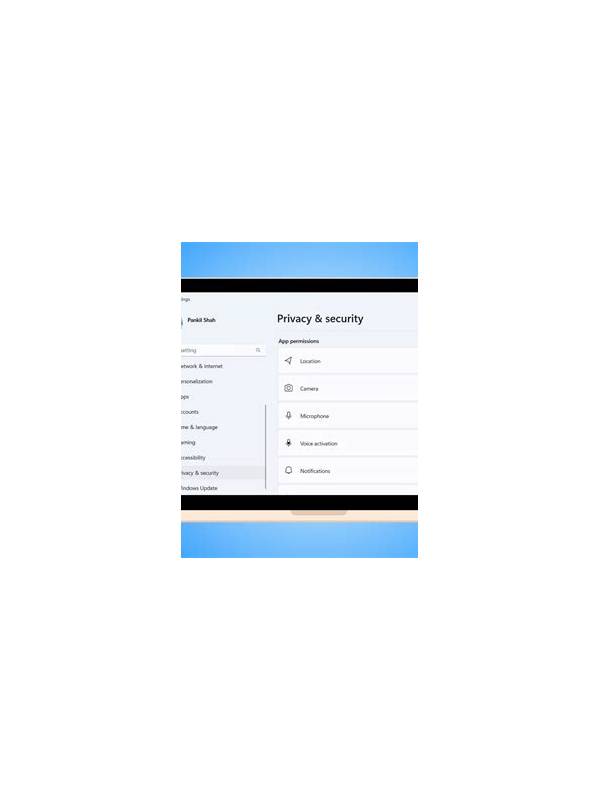
Privacy settings are easy to ignore when an app is eager to get you into a game. A short review before registration can show what information is collected, who can contact you, and which device permissions are truly necessary. These checks are useful for any card app, especially one that supports profiles, chat, or payments.
First open the app’s privacy policy and account settings. Look for explanations of profile information, device identifiers, location data, contacts, and marketing messages. You do not need to understand every legal phrase. Focus on whether optional data is clearly labeled and whether the app offers a way to delete an account or request a copy of personal information.
Next inspect permissions on your phone. A card game may reasonably need network access and notifications, but a request for contacts, precise location, microphone, or photo storage deserves a specific explanation. Deny optional permissions at first. If a feature later requires one, you can decide based on that feature rather than granting everything during setup.
Use a profile that reveals only what is necessary. Avoid displaying your phone number, home location, workplace, or personal social links. Choose a nickname that does not identify a child or another family member. If the app offers public chat, check whether you can block, mute, or report another player before joining a table.
Notifications also affect privacy. Disable message previews on the lock screen if your device is shared or visible to others. Keep security alerts enabled, but consider turning off promotional pop-ups and invitations until you know how the service operates. Review email and SMS preferences separately; consent for gameplay updates should not silently become consent for every marketing channel.
Finally, protect the account itself with a unique password and device lock. Never send one-time codes or passwords to someone claiming to be support through a table chat. If an app cannot explain why it needs sensitive access, provides no meaningful controls, or makes account deletion unusually difficult, pause before adding money or personal documents. A few minutes of privacy review can prevent a much longer cleanup later. Check privacy again after major app updates because menus and default settings can change. Review connected accounts and active sessions, and sign out of devices you no longer use. If a family member shares the phone, use separate device profiles or a screen lock so game information and account notices remain private. Privacy is also a reason to update recovery details through official settings. Keep backup email access secure and review old devices periodically.
Related Post

Rummy Practice: Replay a Hand Without Looking at the Result
Replay your decisions in sequence to learn how information changed, without letting the final result [...]
Rummy Comparison: Immediate Meld Value Versus Future Connections
Comparing what a card completes now with what it may connect later helps clarify close [...]