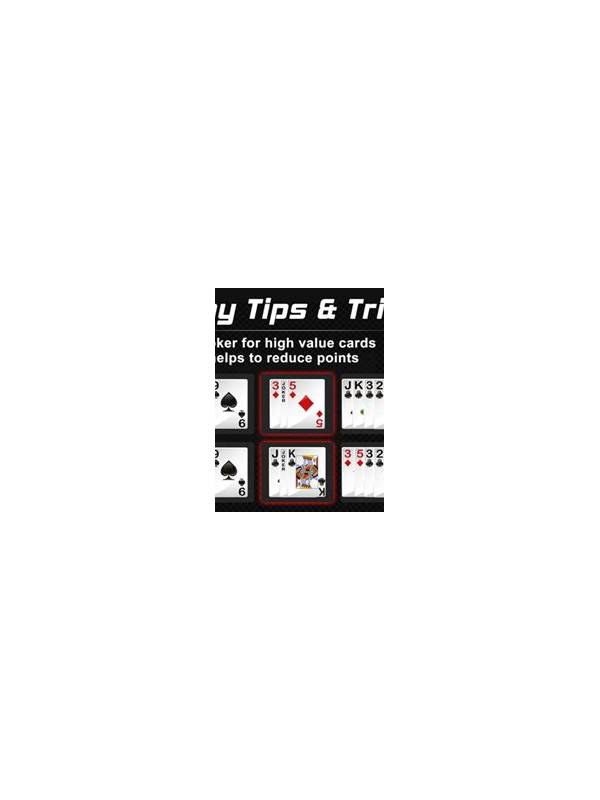
Rummy Comparison: Which Card Layout Helps You Think?
Automatic sorting is convenient, while manual sorting can encourage deeper attention. Neither approach is always better. The right choice depends on whether you are trying to reduce screen clutter, study patterns, or make a fast decision under a timer.
Automatic sorting groups cards by rules such as suit or rank. It is helpful when the hand is large, the screen is small, or you need to locate a known duplicate quickly. It also reduces the chance of overlooking a card that is physically separated from its neighbors. Players who have difficulty with repeated dragging may find it more comfortable.
Manual sorting gives you control over the meaning of the layout. You can place a confirmed sequence together, keep two possible routes apart, and position a card that needs a decision at the edge of the hand. That arrangement can make the hand’s structure visible at a glance. It may also improve learning because you are actively explaining each card’s job.
The main risk of automatic sorting is false confidence. A neat row can look like a plan even when the groups are not valid or depend on a rare draw. The risk of manual sorting is physical error: a card may be misplaced, hidden, or accidentally selected. Check the interface after moving cards, especially when a timer is running.
Consider a hybrid routine. Use automatic sorting at the beginning to establish a baseline. Then manually separate confirmed structures, flexible connectors, and speculative cards. After a draw, return the new card to the most informative position rather than rebuilding the entire hand. Before discarding, use the original sort as a quick check for duplicates and suit relationships.
The best layout is the one that reduces mistakes and makes your next decision explainable. Test both methods during low-pressure practice. If a layout helps you identify requirements, alternatives, and risk quickly, it is serving the game rather than merely looking tidy.
Accessibility belongs in the comparison. Increase text size or contrast if possible, and avoid a method that requires repeated precision gestures. If the device lags after cards move, automatic sorting may reduce accidental actions. Recheck the hand after switching methods: sorting changes appearance, not the underlying rules, and a ten-second verification prevents a plan based on a mistaken visual assumption.
The best test is not which layout looks most professional. It is which one lets you answer three questions quickly: what is already valid, what needs a specific card, and which card can leave safely? Try each layout in a practice hand and record where you hesitated. That observation is more useful than copying another player’s preferred arrangement.
Related Post

Rummy Comparison: Sequence Potential Versus Set Potential
Compare sequence and set possibilities by flexibility, requirements, and the cost of abandoning either plan. [...]
Rummy Safety: Recognize When a Session Is Becoming Stressful
Notice early signs of stress and use a planned pause before decisions become reactive. [...]