Rummy Safety: A Checklist for Shared Devices
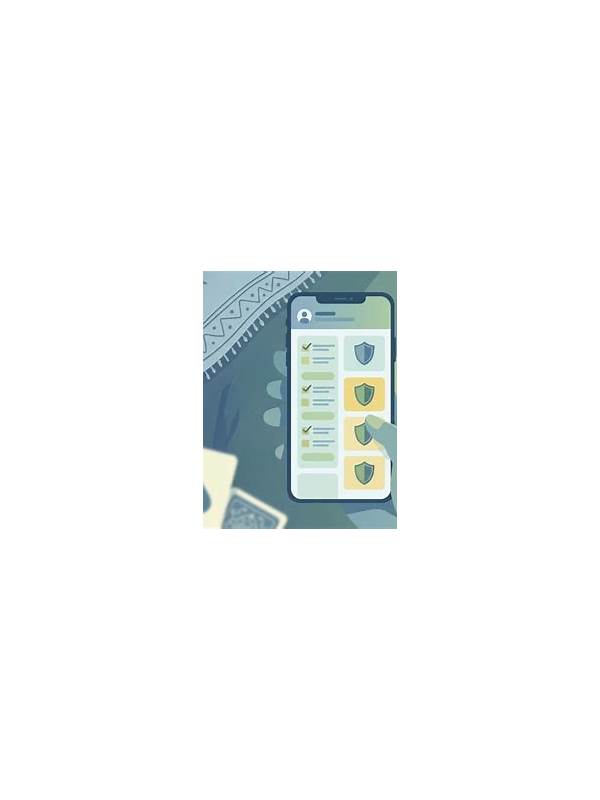
Playing on a family tablet, borrowed phone, or public computer requires more care than playing on a private device. The cards on the screen are not the only concern; saved sessions, notifications, and account settings can also expose personal information. Use a short safety checklist before and after play.
First, confirm the device profile. If possible, use a separate guest or standard user account. Avoid saving passwords in a browser or app that other people use. Check that automatic sign-in is disabled when the device is not yours, and never ask another person to type or repeat a private verification code where it can be seen.
Review notifications before starting. Message previews, balance alerts, and login notices may appear on the lock screen. Temporarily hide previews if the device owner agrees, and restore the preferred setting afterward. Keep the game screen free from screen-sharing tools or recording features you did not intentionally enable.
Use only the official distribution route and verify the app name, publisher, and requested permissions. Shared devices often contain old downloads and browser shortcuts. Do not install an unfamiliar package simply because a pop-up promises a bonus or faster access. If an app requests access unrelated to its stated function, pause and investigate through a trusted support channel.
When finished, sign out and close the app. Clear saved login prompts and remove downloaded files that contain account or payment information. Check the recent-apps view and browser history if the device is shared and local policy permits. Do not delete another person’s data; remove only your own material.
Finally, inspect account activity from a trusted private device later. If you notice an unfamiliar sign-in, change the password through the official service and contact support. Keep financial limits separate from device safety: a private device cannot make an unclear promotion or unsuitable game format safe.
The checklist takes only a few minutes. Treat it as routine whenever device ownership, user profiles, or network conditions change. Privacy protection is easiest before information is saved, displayed, or shared.
If you cannot confirm that the device is safe or that the app is genuine, postpone the session. Convenience is not a reason to expose an account, personal messages, or payment details.
When in doubt, wait.
Related Post

A Five-Minute Warm-Up Before Playing Rummy
This short warm-up sharpens attention and reduces rushed choices before an online rummy session. [...]
Rummy FAQ: How Should You Handle an Unreadable Card?
Learn how to pause and verify a card when a small screen, glare, or animation [...]