Rummy Safety: Protect Privacy in Screen Recordings
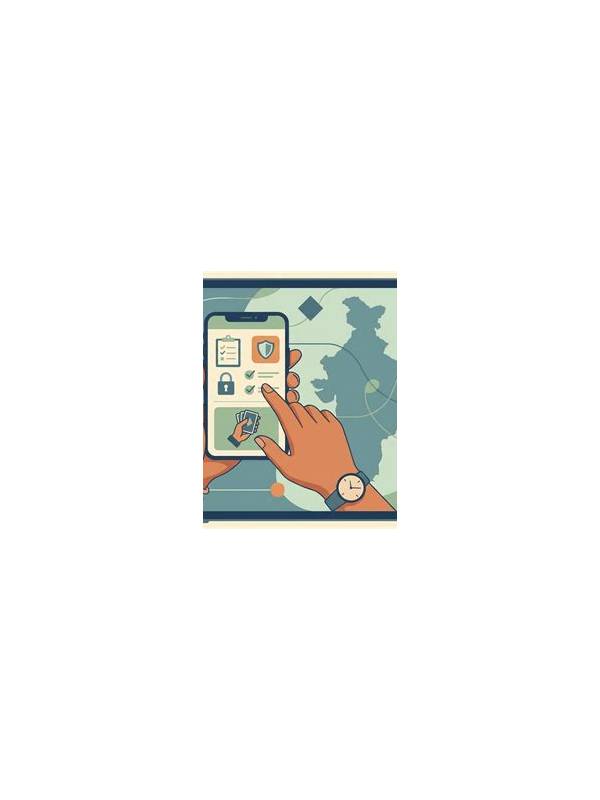
Screen recordings can be useful for reviewing decisions, but a clip may reveal more than the cards on the table. Account names, balances, messages, payment alerts, and device notifications can appear at the edge of the screen. Before sharing a recording, inspect it as a privacy document rather than assuming it is only gameplay.
Prepare the device first. Turn off banner notifications and close unrelated apps. Check whether the recording tool captures microphone audio, because conversations and nearby voices may be included without being obvious during play. If you do not need sound, disable it before starting. Use a test recording of a few seconds to see exactly what the tool saves.
During the session, avoid opening account, deposit, withdrawal, or profile screens. If a review requires those pages, record them separately and keep them private. Never display a one-time code, password prompt, recovery phrase, or full payment detail in a clip. A blurred image can sometimes be reversed or cropped poorly, so preventing capture is safer than relying on editing.
Review the finished file from beginning to end. Look at the first and last seconds, where app switching and notification panels are often visible. Listen for audio that includes names or private information. Remove clips with unnecessary exposure, and crop or mute only when you can confirm that the sensitive material is fully removed.
Choose sharing settings carefully. A private folder or direct transfer is safer than a public link. Remember that recipients can download or reshare a file. Keep original recordings in a protected location and delete drafts you no longer need. If a recording is sent to support, use the official support channel and include only the portion relevant to the technical issue.
Privacy review adds a minute to the workflow but can prevent a much larger problem. Treat every recording as potentially shareable, even when you intend it for personal practice. Good safety habits preserve both the value of analysis and the privacy of the account behind it.
If you must share a clip for teaching, make a duplicate for editing and keep the original private. Remove account identifiers from the frame, shorten the clip to the relevant decision, and describe the context in text instead of showing extra screens. Ask a recipient to confirm deletion when the material is sensitive, but remember that confirmation is not a technical guarantee. The safest recording is still the one that contains only the minimum information needed to explain the play or troubleshoot the app.
Related Post
Rummy FAQ: How Should a Beginner Read a Game Timer?
Understand what a countdown changes in your decision process and when to pause or leave. [...]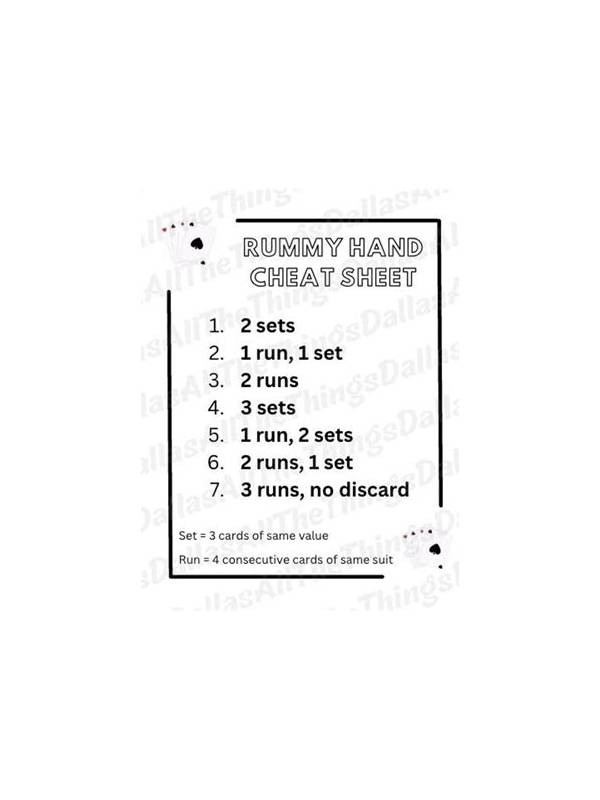
Rummy Hand Planning: Use a Two-Column Candidate List
A two-column list separates established groups from hopeful combinations and makes discards easier to explain. [...]