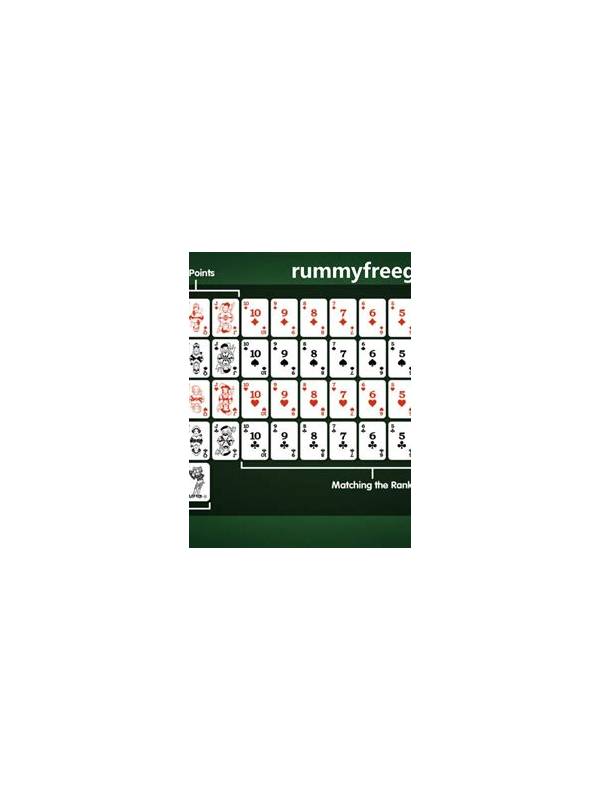
Rummy Practice Transfer: Move From Paper Layouts to Touchscreen Play
Paper practice can make rummy structure easier to see, but a physical layout does not automatically prepare you for a touchscreen. On paper, cards stay where you put them and can be moved without a timer or accidental tap. On a phone, the same hand may be compressed, rearranged, and partly hidden by interface controls. A transfer routine connects the two environments.
Begin with the same hand in both formats. On paper, arrange the cards by your chosen planning method and write a one-line description of the strongest route. Do not record a perfect answer; record the information you used, such as a completed group, a flexible connector, or a high-cost loose card. Then recreate the hand on the device without immediately sorting it into a neat display.
The first touchscreen test is recognition. Can you identify every suit and rank without zooming or repeatedly shifting the cards? If not, adjust display size, brightness, or the table orientation before practicing decisions. A layout that causes misreading is testing the interface rather than your rummy judgment. Keep the changes modest so the cards remain visible alongside the draw and discard controls.
The second test is grouping. Use one deliberate rearrangement to create the same groups you made on paper. Count the taps and movements, and notice whether the app places cards in a different order after each action. This matters because a sorting gesture can change your view without changing the hand. Say the intended group quietly before moving it; that small pause reduces accidental rearrangement.
The third test is decision transfer. On paper, choose two candidate discards and explain the difference in one sentence. On the touchscreen, repeat the comparison under a short but comfortable time limit. Do not tap the final action until the card count and the visible groups match your paper notes. If the screen encourages rushed choices, increase practice time or use a slower mode while you learn the interface.
After the exercise, record separate errors for card-reading, grouping, and tapping. A wrong suit is not the same problem as selecting the wrong button. Separate notes make the remedy clearer. You might need a larger display, a different sorting view, or simply a verbal count before confirming a move.
Repeat with a new hand and gradually remove the paper reference. The aim is not to make the touchscreen look exactly like your desk. It is to preserve the same reasoning steps while adapting them to limited space, touch controls, and time pressure. When the process stays stable across both formats, practice becomes more transferable and less dependent on a single comfortable layout.
Related Post

Rummy Practice: Track Draw-and-Discard Pairs
Tracking what you draw and discard can expose habits in selection, attachment, and late-turn rushing. [...]
Rummy How-To: Compare Two Candidate Melds
Use a repeatable comparison to choose between two possible groups without relying on the most [...]