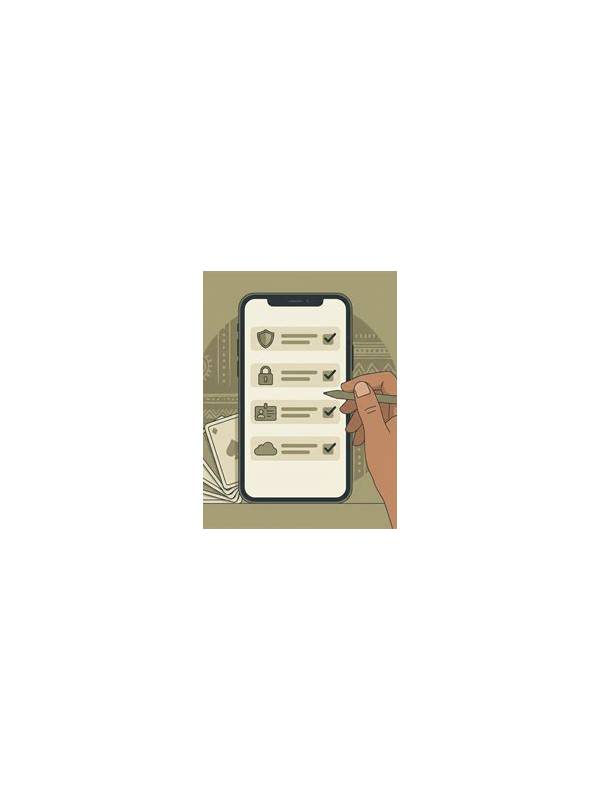
How to Check Payment and Account Details Before Playing Online Rummy
Before using any online-rummy service, review the account and payment details with the same care you would use for any digital platform. A careful check protects your privacy and helps you understand what is optional, what is required, and what can be changed later.
Start with the official app or website information available through a trusted source. Avoid installing files from unsolicited messages or pages that imitate a brand. Check the application name, developer information, update history, and requested permissions. A card game should not need access that has no clear connection to its features.
Next, inspect the account page without entering unnecessary personal information. Look for the support channel, privacy policy, age and location rules, and account-recovery process. A legitimate service should explain how requests are handled and how you can close or restrict the account.
If the service offers deposits or withdrawals, read the full terms before adding funds. Confirm fees, minimums, processing times, identity checks, and restrictions. Never assume a promotional balance is equivalent to withdrawable funds. Keep records of official confirmations, but do not share passwords, one-time codes, or full payment credentials with another person.
Use device protections as well. Enable a screen lock, update the operating system, and avoid making sensitive transactions over an untrusted public network. If a prompt asks you to disable security settings or install an unrelated certificate, stop and verify the request through the platform’s official support route.
Finally, set a personal spending limit before play. Treat entertainment funds as separate from rent, bills, and savings. If the service or the game makes you feel rushed, close the session and review the terms later. A trustworthy decision can wait.
The safest checklist is simple: verify the source, read the terms, share the minimum information, protect access, and set limits in advance. If any part of the process is unclear, do not proceed until you can confirm it independently.
Keep support communication separate from gameplay pressure. Genuine support should not demand that you reveal a password, transfer funds to a personal account, or install remote-control software. Save the official support address from the platform itself, and treat urgent messages that arrive through social media or private chat as unverified. A pause is safer than trying to solve an account problem while a countdown or promotion is pushing you to act. Independent verification is worth the extra minute. It can prevent a much more expensive mistake later.
Related Post

Rummy How-To: Convert Practice Notes Into Weekly Focus
Turning scattered rummy notes into one weekly focus makes practice more measurable and easier to [...]
Rummy Suit Balance: A Simple Way to Judge Your Opening Hand
Learn how suit distribution can reveal strengths and risks before your first draw. [...]