Rummy Account Security Habits for Shared Devices
Playing rummy on a shared device requires a little more attention to account security. The goal is to keep your account, payment information, and game history separate from other users without making the process difficult.
Start by using the platform’s normal sign-in and sign-out controls. Do not leave an account open in a browser or app that another person can access. If the device offers separate user profiles, use one whenever possible. A profile boundary is stronger than simply closing a tab because it can also separate saved sessions and notifications.
Review what the app stores locally. Saved passwords, autofill details, screenshots, and notification previews can reveal more than you expect. Disable lock-screen previews for sensitive account messages and avoid saving payment details on a device that others use. If you must enter information temporarily, confirm that the device is not recording keystrokes through an unfamiliar keyboard or remote-access tool.
Install updates through the device’s official software channel. Be cautious with download links received in chat, comments, or pop-up advertisements. A familiar name is not proof that a package is genuine. Check the developer information, requested permissions, and independent support details before installing anything. Never bypass security warnings merely to reach a game quickly.
Protect the account with a strong, unique password and any available multi-factor option. Do not share one-time codes, recovery links, or login confirmations with another person. If you suspect that a code or password was exposed, change it through the official account page and review active sessions. Contact support through a verified channel if you cannot explain a login alert.
Finally, examine the device after playing. Sign out, clear temporary downloads, and check that no payment or identity document remains in a public folder. These steps take little time and create a repeatable boundary between entertainment and personal data.
Security is part of a comfortable session. A few deliberate habits protect access and privacy, especially when the screen, network, or device is shared.
Be particularly careful with public Wi-Fi and borrowed accessories. A trusted network is preferable, and you should avoid entering account information when a security warning looks unusual. Do not install a “security helper” offered by a pop-up. If the device behaves strangely, stop using the account there, change access from a trusted device, and seek official support. Small doubts are worth treating seriously when personal data is involved. Security checks should be part of every shared-device session.
Related Post
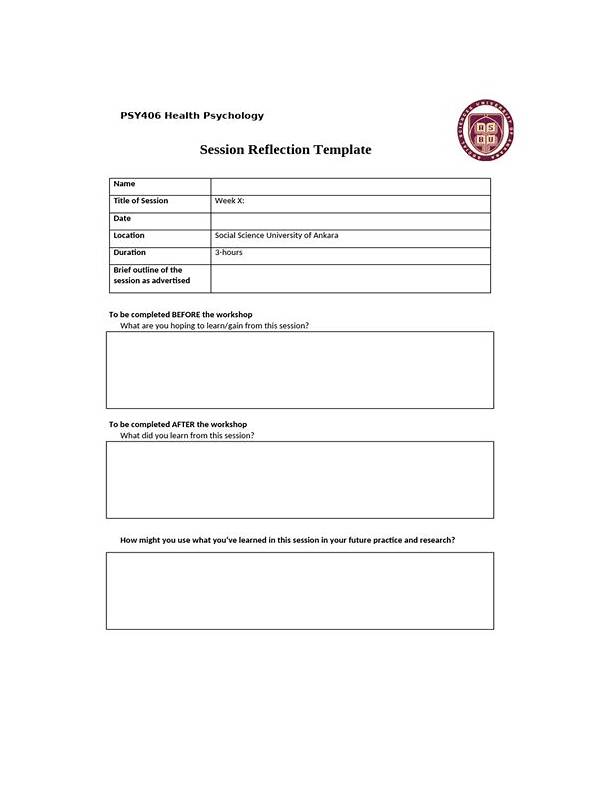
Rummy How-To: Build a One-Page Session Reflection
A one-page reflection turns several rounds into a small set of actions for your next [...]
Rummy How-To: Recover After a Misread Draw
A reset routine helps rummy players recover from a mistaken interpretation without forcing the old [...]