Rummy App Permission Review: What Access Should Be Necessary
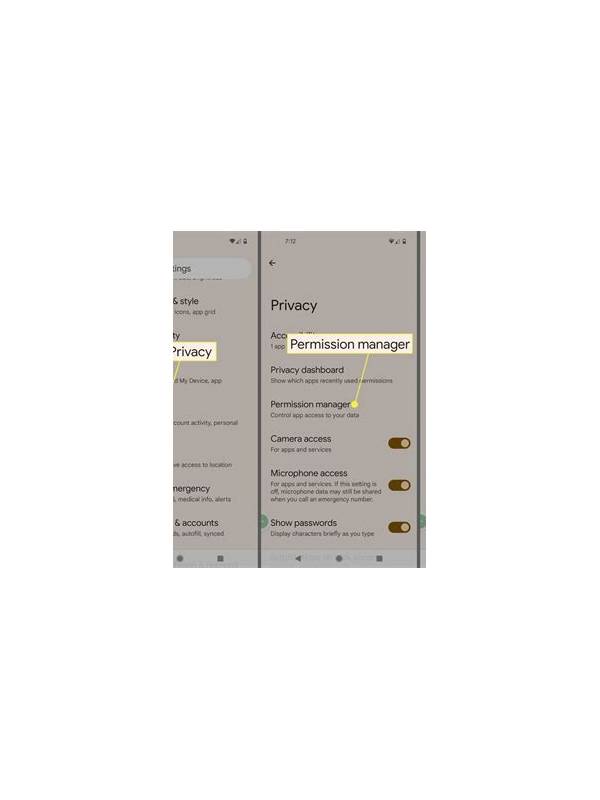
Permissions tell you what an app can access on your device, but they do not by themselves prove that an app is safe or unsafe. Reviewing them before installation and after updates helps you limit unnecessary exposure.
Read the permission request in context. Notifications may be needed for turn reminders, while network access is needed for an online table. Camera or microphone access might support an optional identity check or voice feature, but it should not be required for a basic card-game interface unless the platform explains why.
Be cautious with broad access. A request to read all files, contacts, messages, or precise location deserves a clear explanation. If a feature does not need that access, deny it or leave the feature disabled. Some phones allow one-time access or “while using” access; choose the narrowest setting that still supports the feature.
Install only from an official store or a verified platform source. A web page that asks you to disable security protections, grant unusual permissions, or download a modified package is a warning sign. Never use a permission request as a reason to share passwords or verification codes.
Review permissions after major updates. Apps can add features and request new access. Compare the new request with what you actually use. If a previously optional feature is now blocking the basic app, contact official support and consider whether the service remains appropriate.
Check privacy settings as well. Permissions are only one part of data handling. Read the privacy notice for information about device identifiers, payment data, analytics, advertising, and retention. Avoid posting sensitive documents in chat or sending them to an unverified support account.
If you suspect misuse, revoke the permission and stop using paid features until you understand the issue. Run your phone’s built-in security check, update the operating system, and contact the platform through its official route. Do not install a second “security helper” from an unknown source.
A responsible permission review is simple: identify the purpose, choose the narrowest access, revisit after updates, and protect sensitive information. Convenience should not require giving an app more control over your device than its stated features need. Recheck these choices whenever you install a new version or change the device.
Related Post
Rummy Comparison: Low-Point Safety and High-Point Potential
Low-point safety reduces damage, while high-point potential can improve a hand; compare both with timing [...]
Rummy Comparison: Visible Signals and Hidden Assumptions
Separating what the table shows from what you merely assume reduces overconfident rummy decisions. [...]