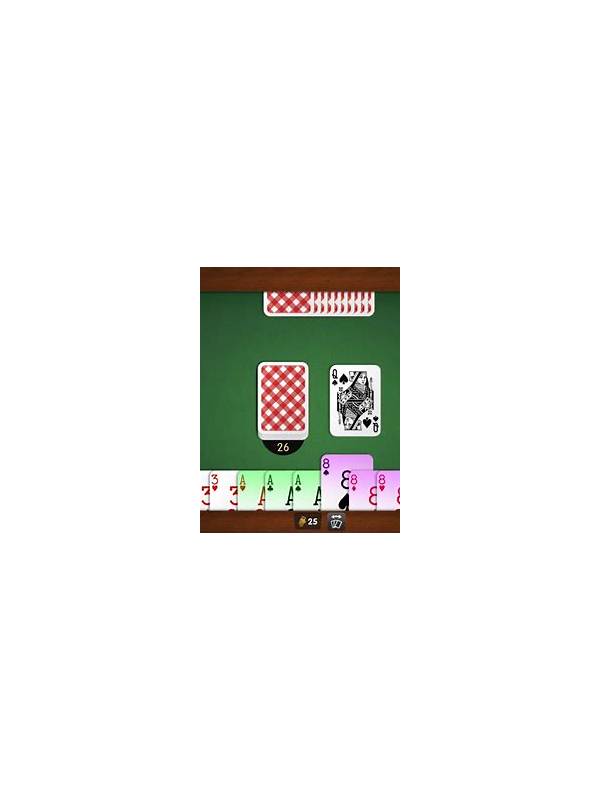
Rummy Practice for Left-Handed Players: Choose a Comfortable Layout
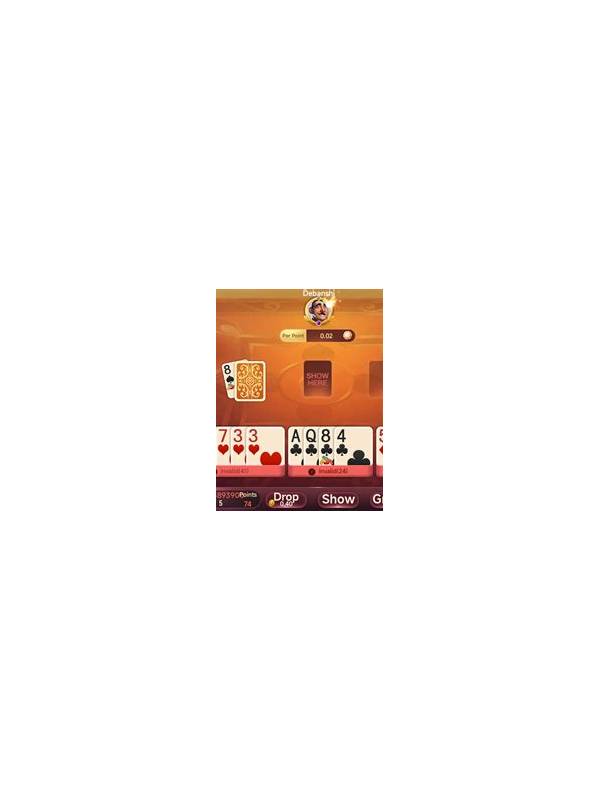
A comfortable layout helps every player read a hand, but left-handed players may notice that controls, card fans, and discard piles are positioned for a different reach. The solution is not to change the rules. It is to arrange the environment so the hand can be managed naturally and consistently.
For physical play, place the hand where the non-dominant hand can hold or steady cards while the dominant hand moves them. Keep the draw and discard piles within easy reach without crossing over another player’s space. If cards are fanned, use a width that lets you read the entire rank and suit without twisting your wrist. A small card tray can help if holding a fan for a long time is uncomfortable.
On a phone or tablet, check whether the app supports landscape mode, hand sorting, or a reversible layout. Turn off automatic rearrangement if it repeatedly places cards in an order that makes inspection harder. Test the position of draw, discard, confirm, and exit controls in a practice area. The best layout is the one that reduces accidental taps and keeps the whole hand visible.
Avoid changing the arrangement during a timed hand unless the rules and interface clearly allow it. Choose a default order before play, such as grouping by suit or by current plan, and use it consistently. If another player asks why your cards move differently, explain that the display is personal and no information is being hidden beyond the normal hand.
Pay attention to fatigue. Numbness, shoulder tension, or repeated drops are signs to pause and adjust the table or device angle. Accessibility is part of fair participation; a player should not need to trade comfort for speed.
After a session, note which controls caused trouble. One small change—moving the device, widening the card fan, or increasing text size—can make the next practice hand clearer and more enjoyable.
For a group session, agree that personal layouts do not reveal extra cards or alter the shared table. A left-handed player may sort in the opposite direction while still following the same draw and discard procedure. If a control cannot be reached comfortably, ask for a pause or use an accessibility feature before the next timed hand rather than accepting repeated accidental actions. Lighting and contrast matter here too. A player who sorts close to the body may need a slightly larger display or a clearer mat. Make changes between hands, announce any shared-table adjustment, and avoid moving another player’s cards. Comfortable access should preserve the same information and rules for everyone.
Related Post
Rummy Guide: Audit a Discard Before It Leaves Your Hand
A quick pre-discard audit helps you release a card without overlooking its hidden value. [...]
Rummy Comparison: Immediate Gain Versus Future Flexibility
A card that improves the hand now may be less valuable than one that keeps [...]