Rummy Safety: What to Do Before Sharing a Screenshot
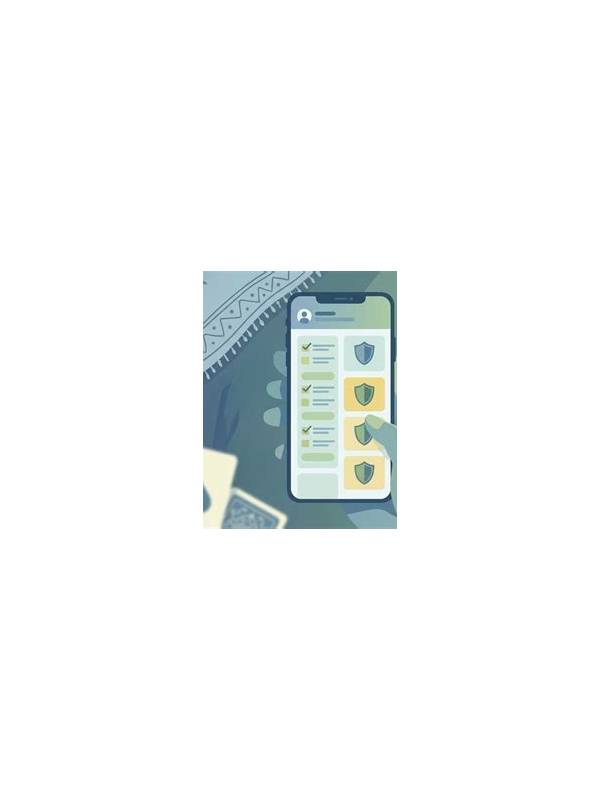
Screenshots are useful when asking for help with a rummy interface, explaining a rule, or reviewing a practice hand. They can also reveal more than intended. Before sharing one, pause and inspect the image as if you were a stranger receiving it. The few seconds spent checking the frame can protect both your account and your privacy.
Start with account identifiers. Look for usernames, profile numbers, email addresses, phone numbers, referral codes, and avatars that you do not want publicly linked to you. Crop the image to the relevant table or card area when possible. Cropping is usually safer than relying on a blur that may be incomplete or reversible.
Check the top and bottom edges carefully. Notification banners, status messages, and navigation bars can show message previews, location clues, device details, or account balances. A payment confirmation or wallet screen deserves special caution. Do not share one-time passwords, QR codes, recovery phrases, card details, or transaction references that could be used to identify or access an account.
Review the game information itself. A hand screenshot may reveal your current cards, table code, opponent names, private chat, or a tournament identifier. If the round is still active, sharing the image in a public channel could affect the game or expose another player’s information. Wait until the round is finished and remove unrelated names or chat text.
Use the least-visible explanation. If you need help with a button, describe the problem and share only that part of the interface. If you need strategy feedback, recreate the hand using suit and rank text rather than sending a live account screen. A typed example is slower but often protects more information.
Before posting, ask who can see the destination and whether the image will remain there. Private support channels still require care, and unofficial accounts should not receive sensitive records. Verify that a support contact is genuine through the app’s trusted help path rather than a message link.
If you shared something sensitive by mistake, delete the post where possible, change relevant credentials through the official service, and contact verified support. Keep a note of what was exposed without forwarding it again. A screenshot should solve a problem, not create a second one. When teaching another player, replace identifying details with placeholders such as “Player A” and “table example.” That keeps the discussion focused on the rule or interface. It also makes the example reusable without carrying real account data into future notes or public discussions.
Related Post
Comparing Mobile and Desktop Rummy Play
Mobile and desktop rummy each offer practical advantages, so the best choice depends on control, [...]
Rummy Safety: Keep Account Recovery Details Off the Table
Practical privacy habits reduce the chance that recovery information is exposed during a shared gaming [...]