Rummy Safety: Check Device Permissions Before a Game App
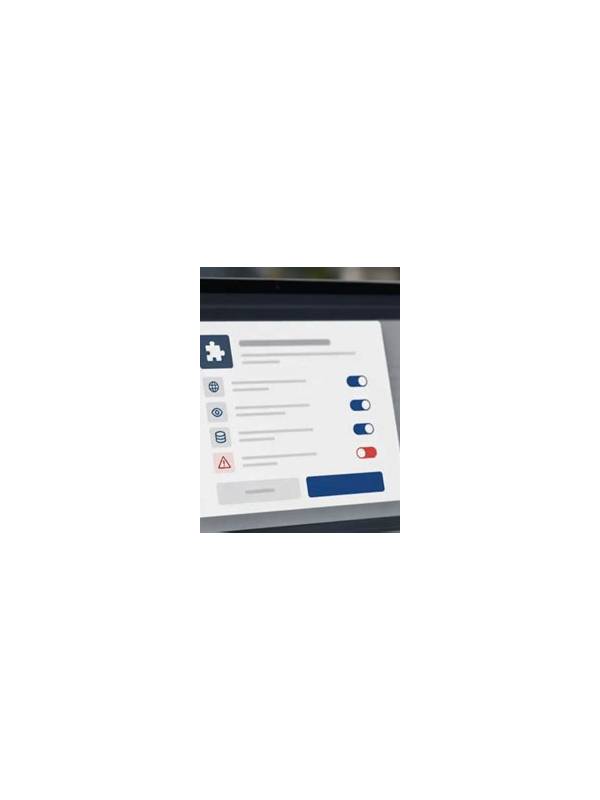
Before using any rummy app, review the permissions it requests and consider whether each one fits its stated function. A game may need network access to connect to a table, but that does not automatically justify access to contacts, precise location, or unrelated files. Permission awareness is a basic safety habit, not a technical requirement reserved for experts.
Install only from a source you can verify. Check the publisher name, app identity, update history, and the address of the download page. Look for inconsistencies such as a copied logo, a newly created account claiming to be an established service, or a request to disable normal device protections. If details conflict, pause instead of trying to force the installation.
When the operating system presents a permission prompt, read it fully. Decline optional access that is not needed for the feature you want. Some apps still work when contacts, microphone, or location permission is refused. If a core function fails, ask whether that function is worth the privacy trade-off before changing the setting.
Review permissions again after updates. An update can add features or request new access, and a previous approval may remain active without drawing attention. Use the device’s privacy dashboard or application settings to see what was granted and revoke anything you no longer need. Restarting the app is usually enough to test whether it still works.
Protect account details separately. Use a unique password, enable available account security controls, and do not enter payment or identity information on a page reached through an unsolicited message. Legitimate support should not require you to reveal a one-time code in a chat or send a full password.
Finally, keep records of unusual behavior: unexplained pop-ups, battery drain, repeated permission requests, or redirects to unrelated pages. Stop using the app if the behavior continues, then uninstall it through normal device controls and change any password that may have been exposed. A few minutes of checking can prevent a much larger privacy problem. Use the same caution with browser versions: check the address carefully, avoid urgent unsolicited links, and sign out on shared devices. Security is a series of ordinary checks rather than one perfect decision. This keeps the method practical, focused, and easy to apply during the next ordinary turn. Use the result as a prompt for the next choice, then return attention to the current cards and visible evidence. Recheck the boundary later, because circumstances can change.
Related Post

Rummy Tips: Separate Observation From Assumption
Distinguishing what you saw from what you inferred leads to calmer table decisions. [...]
Rummy Guide: Use a Constraint Map to Simplify a Crowded Hand
A small constraint map shows which cards are committed, flexible, or waiting for evidence before [...]