Rummy Safety: Check Permissions Before Installing an App
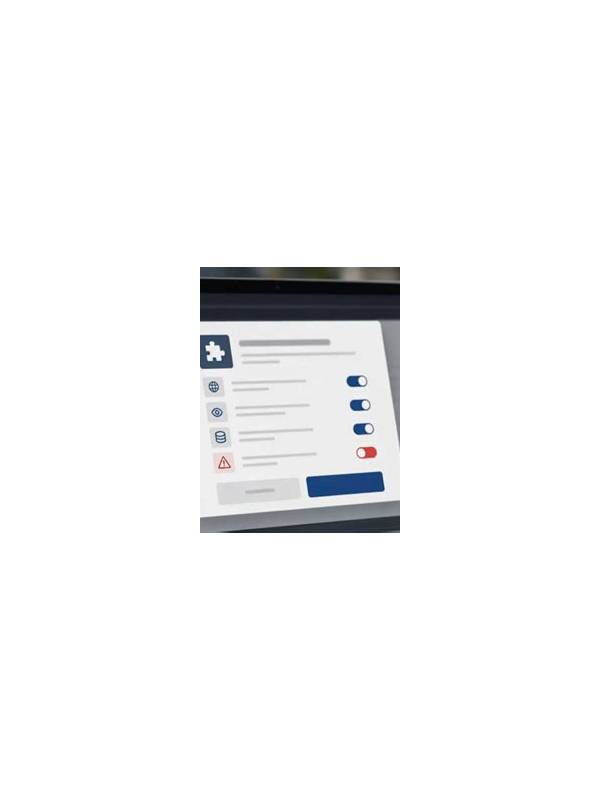
An app can be convenient and still request more access than it needs. Before installing an unfamiliar rummy app, pause long enough to review its source, permissions, and update behavior. These checks reduce privacy and account risks without requiring technical expertise.
Start with the download source. Use the publisher’s clearly identified official channel or a reputable app store when one is available. Be cautious with links delivered through unsolicited messages, shortened URLs, or pages that imitate a known brand. Check the spelling of the publisher and the app name. A familiar-looking icon is not proof of authenticity.
Review permissions before accepting. A game may reasonably need network access and notifications, but requests for contacts, persistent location, microphone, or broad file access deserve a clear explanation. If the permission appears unrelated to gameplay or account support, deny it or stop the installation. You can often change permissions later in the device settings, but preventing unnecessary access is simpler.
Protect your account during setup. Use a unique password, avoid saving payment details on a shared device, and never enter an authentication code into a page reached from an unexpected message. Legitimate support should not need your full password. Turn on device locking and update the operating system when updates come from the device manufacturer.
Finally, observe the app after installation. Unexpected pop-ups, aggressive redirects, battery drain, or requests that appear only after login are warning signs. Close the app and verify the issue through an official support route before continuing. Safety checks do not guarantee that an app is trustworthy, but they make rushed installation less likely and give you practical reasons to walk away. Check the privacy policy and support details if they are available, but do not let polished language replace basic caution. A trustworthy service should identify who operates it, explain how account data is used, and provide a normal way to close an account. Missing or contradictory information is a reason to postpone installation.
Keep the device itself healthy as well. Install security updates, use a screen lock, and avoid installing modified packages that promise extra rewards or unlocked features. If you uninstall an app, review its remaining permissions and remove saved credentials from the device. Small housekeeping steps reduce the impact of a bad download. Be especially cautious when an installation guide tells you to disable device protections or grant access through an unrelated service. Convenience does not justify bypassing security controls. Take a screenshot of permission details for your own reference if needed, then close the installer and verify the publisher through an independent source before trying again.
Related Post
Rummy Device Battery Planning for Longer Sessions
Simple battery planning keeps a rummy session from being interrupted by an avoidable device shutdown. [...]
Rummy Safety: Recognize Impersonation and Support Scams
A few verification habits can help players avoid fake support messages and requests for sensitive [...]