Rummy Safety: Check Permissions Before Using a New Game App
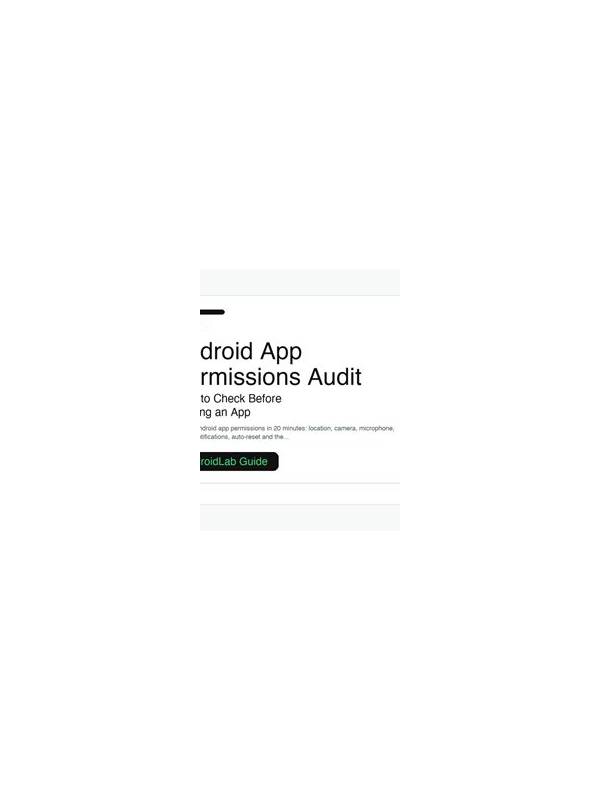
Before using an unfamiliar rummy app, review its requested permissions. Permissions do not prove that an app is unsafe, but an excessive or unexplained request deserves caution. A short check can protect personal data without interrupting your playing routine.
Start with the app’s source and identity. Use the official store or a clearly verified publisher where possible. Compare the publisher name, support address, and app description. Avoid assuming that a similar logo or name means the app belongs to the same company. If an installer comes from a message or an unverified mirror, pause before opening it.
Review permissions one category at a time. Notifications may be useful for turn reminders, but they are not essential for every player. Camera, microphone, contacts, precise location, and access to other files should have a clear explanation. An app that needs a feature should explain when that feature is used and allow you to decline unrelated access.
Consider timing. If an app asks for a sensitive permission before you have reached the feature that needs it, ask why. You can deny a request and see whether basic functions still work. If the app repeatedly blocks ordinary use until you grant unrelated access, that is a reason to stop and investigate the publisher.
Protect account information separately. Use a unique password, enable available account security, and never enter payment details into a page reached through an unexpected pop-up. Keep your device updated and remove applications you no longer use. A permission review is helpful, but it is only one layer of safe practice.
Finally, check the permission list again after an update. Features change, and permissions can change with them. Record what you approved and revoke access that no longer has a purpose through your device settings. Treat privacy as part of the pre-game checklist, alongside rules and budget limits.
The goal is not to reject every permission. It is to make each approval intentional. A reputable app should make its requests understandable, proportionate, and reversible whenever possible. If you notice unexpected battery use, pop-ups, accessibility requests, or behavior that continues after permissions are denied, stop using the app and investigate through trusted device guidance. Keep screenshots for your own reference, but do not upload personal documents to an unverified support address. A cautious pause is easier to recover from than trying to repair an account after sensitive information has been exposed. Keep your operating system’s security tools active and install updates from the device’s normal settings. If you uninstall an app, review its remaining account sessions and change the password from a trusted device when appropriate. Do not let fear or convenience push you into unsafe downloads. The safest installation is one whose source, permissions, and account behavior you can explain.
Related Post

Rummy Guide: Use a Recent-Card Window
A recent-card window keeps table observations timely and prevents old discards from dominating decisions. [...]
The Ultimate Guide to the Best Roulette Tracker App for Gamblers
The Ultimate Guide to the Best Roulette Tracker App for Gamblers Are you a roulette [...]