Rummy Safety: A Checklist for Reviewing App Permissions
—
If a permission request appears only after an update, pause before accepting it. Read the explanation, inspect the device setting, and consider whether the feature is optional. Privacy controls are most useful when reviewed regularly rather than only during the first installation. Keep the review practical and brief. A clear reason is more valuable than a long explanation, because it can be tested on the next draw and revised when the hand changes.
App permissions deserve a quick review before you sign in or begin a session. A game may need network access to connect to a table, but that does not mean every requested permission is equally necessary. Checking permissions is a basic privacy habit, not a technical exercise.
First, install only from a source you can identify and verify. Read the app name, developer information, version, and update date carefully. A similar icon or a familiar word in the title is not proof of authenticity. Avoid files shared through unsolicited messages, pop-ups, or unknown download pages, especially when they pressure you to disable device protections.
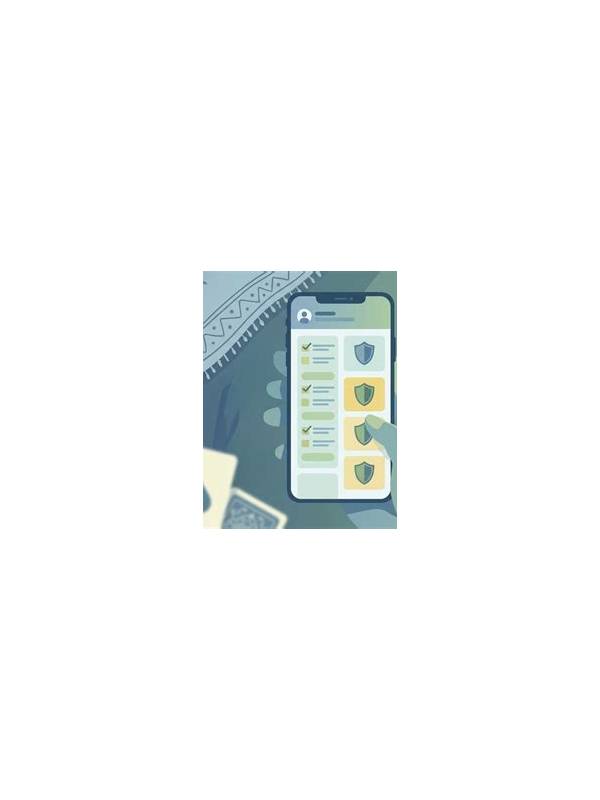
When the operating system displays permissions, read each category separately. Network access is common for an online game. Contacts, microphone, camera, location, SMS, accessibility controls, and storage access deserve a specific explanation. If the app’s core function does not clearly require a permission, deny it initially and see whether the app still works.
Review permissions again after an update. Features can change, and a new request may be legitimate, unnecessary, or a sign that you installed a different package than expected. Use the device’s privacy or application settings to see what was granted, when it was used, and whether access can be limited to a single session. Revoke permissions that no longer have a clear purpose.
Protect account information while reviewing the app. Do not enter an account password into a page reached through an unknown advertisement. Use a unique password, enable available account security controls, and avoid saving sensitive payment details on a shared device. A permission check cannot compensate for an untrusted login form.
Finally, treat unusual behavior as a reason to pause. Unexpected pop-ups, battery drain, unexplained accessibility requests, or repeated redirects deserve investigation before continued use. Close the app, review its permissions, and consult the device’s official support guidance if necessary. A few minutes of checking can reduce the chance that a gaming session exposes more data than it needs.
Related Post

Rummy FAQ: Does Taking a Discard Reveal Too Much?
Taking a discard can reveal a route, but the information cost depends on timing, alternatives, [...]
Rummy FAQ: When Should You Ignore a Visible Card?
A visible discard can be useful and still be the wrong card to take when [...]